CTAS Codes
Gradient Shadow CTA
Row on Excel: #6
LOGO CTA
Row on Excel: #9
Background dots CTA
Row on Excel: #8
Shadow CTA
Row on Excel: #4
Shining icons CTA
Row on Excel: #10
Tilted CTA
Row on Excel: #5
Stars CTA
Row on Excel: #7
Backgrounds & Images Codes
Image Hover
Row on Excel: #11
Text Background with border
Row on Excel: #14
Most people don't fail because they lack talent. They fail because nobody ever showed them the right path. This course is that path.
Background Glass Effect
Row on Excel: #12
Imagine overcoming your fears…
You open your sketchbook, slow down, and begin sketching from nature with confidence and curiosity.
No more comparing your pages to others you embrace your own style and find joy in your unique way of seeing the world.
Each page becomes a quiet exploration of shapes, textures, and the natural beauty that surrounds you.
How does that feel?
Today, you can choose to nurture your dream of keeping a nature sketchbook.
Liquid Gradient Background
Row on Excel: #13
Liquid Gradient Background
Cards & Boxes Codes
Cards Glass Effect
Row on Excel: #15

Sketch Confidently
You’ll create pages inspired by mountains, oceans, and the natural world, capturing what you see with ease.
Observe Fresh
Shapes, and textures will become your guide as you learn to observe and translate them onto paper.
Playfully Explore
Your sketchbook will become a space to experiment, explore, and develop a personal way of drawing from nature.
Elegant Text Box
Row on Excel: #19
By the end of this course, you will have a finished piece you're proud of — and the tools to keep creating on your own.
Bento Grid
Row on Excel: #20
Master Fire & Water
Learn professional digital painting techniques.
8 Hours of Content
Step-by-step walkthroughs
25+ Brushes
Lifetime Access
Private Community
Connect with fellow artists
All Devices
Desktop, tablet, mobile
Slide Reveal Image Cards
Row on Excel: #16

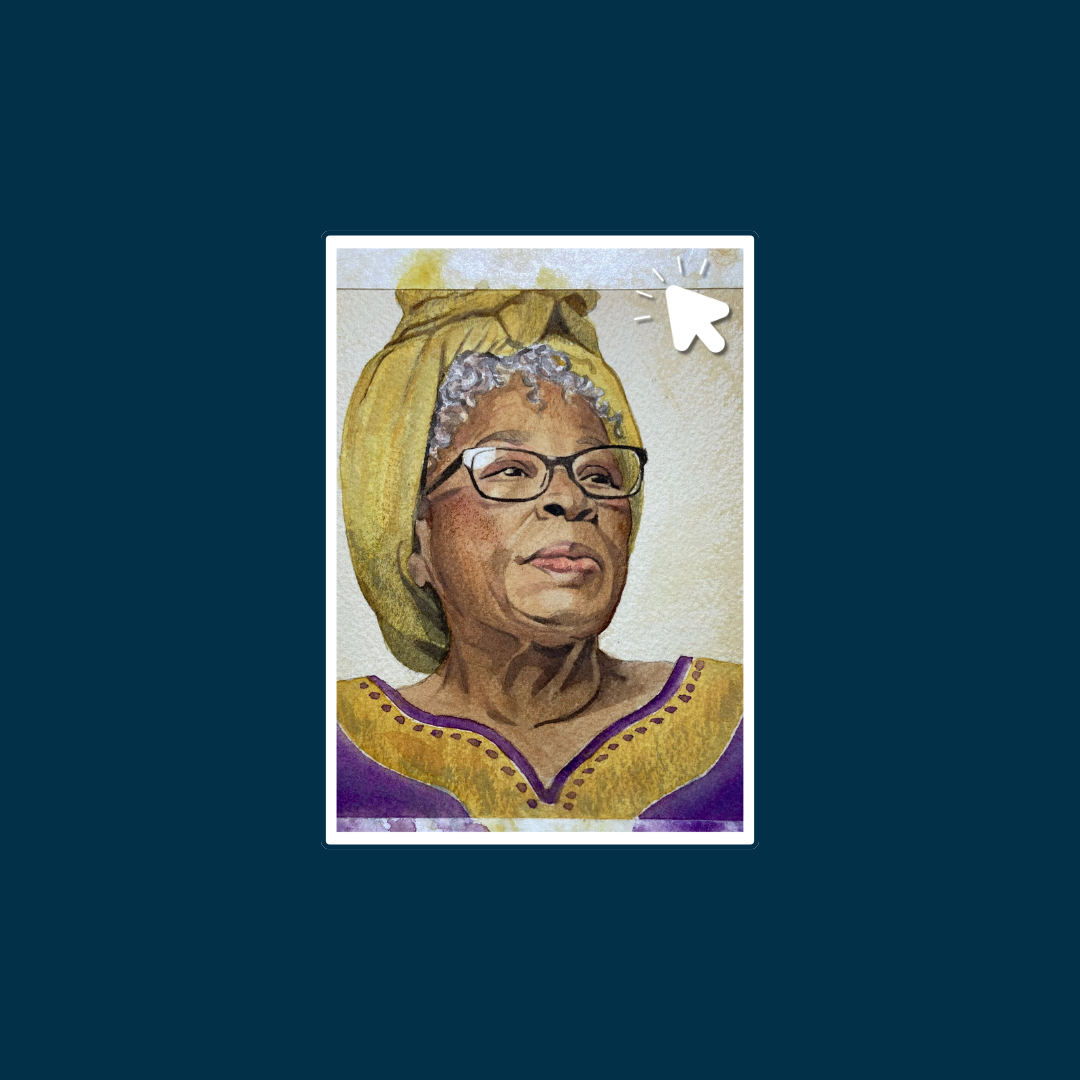
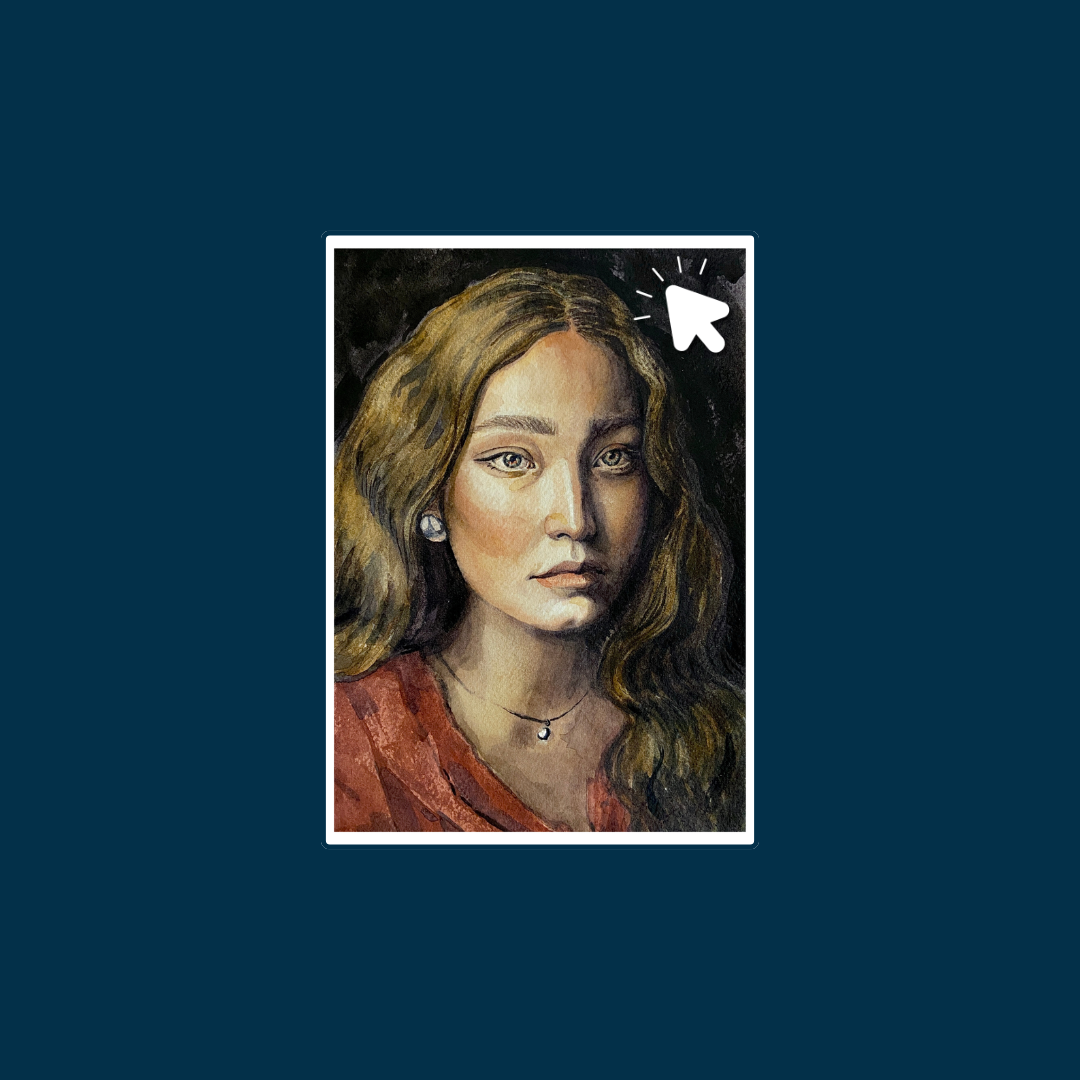
Page Not Found Cards
Row on Excel: #18
Gradient Borders Cards
Row on Excel: #17
Carousels Codes
Modules Carousel
Row on Excel: #22

Module 1
My first module
Module 2
Hola In this module, you'll discover the essential tools and materials that support a loose, expressive painting style. From brushes and palette knives to color mixing and workspace setup, I'll show you how to build your own bold starter kit and prepare for confident painting.
Module 3
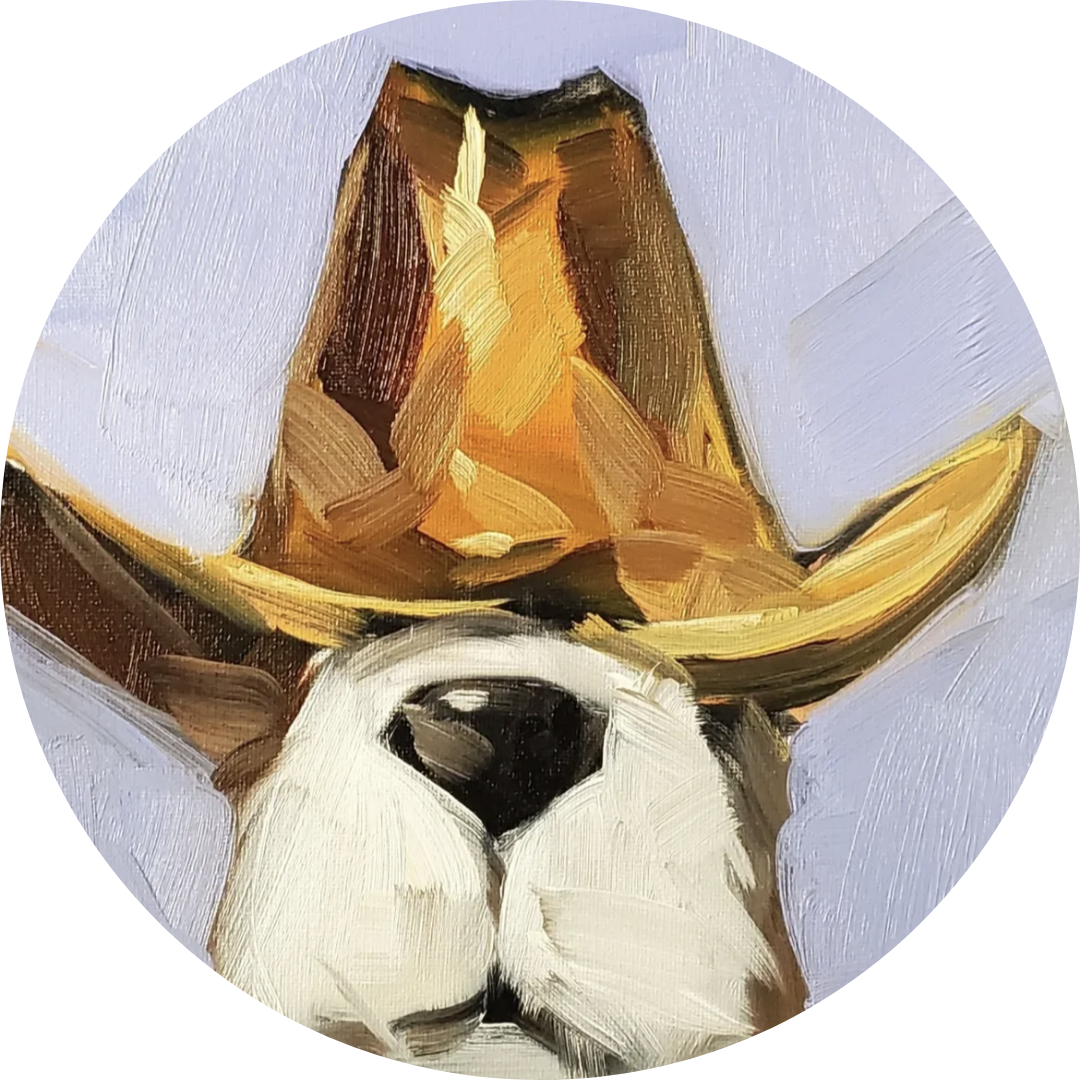
This module dives into the core techniques of loose painting — bold brushwork, confident marks, and dynamic textures. You'll experiment with speed, movement, and balance as you learn to create powerful strokes and complete your first timed challenge.
Module 4
In this module, you'll learn how to make your paintings come alive through bold, expressive use of color. From choosing vibrant palettes to breaking traditional rules, we'll explore how to layer, harmonize, and paint with emotion — ending with a fun, color-only abstract exercise.
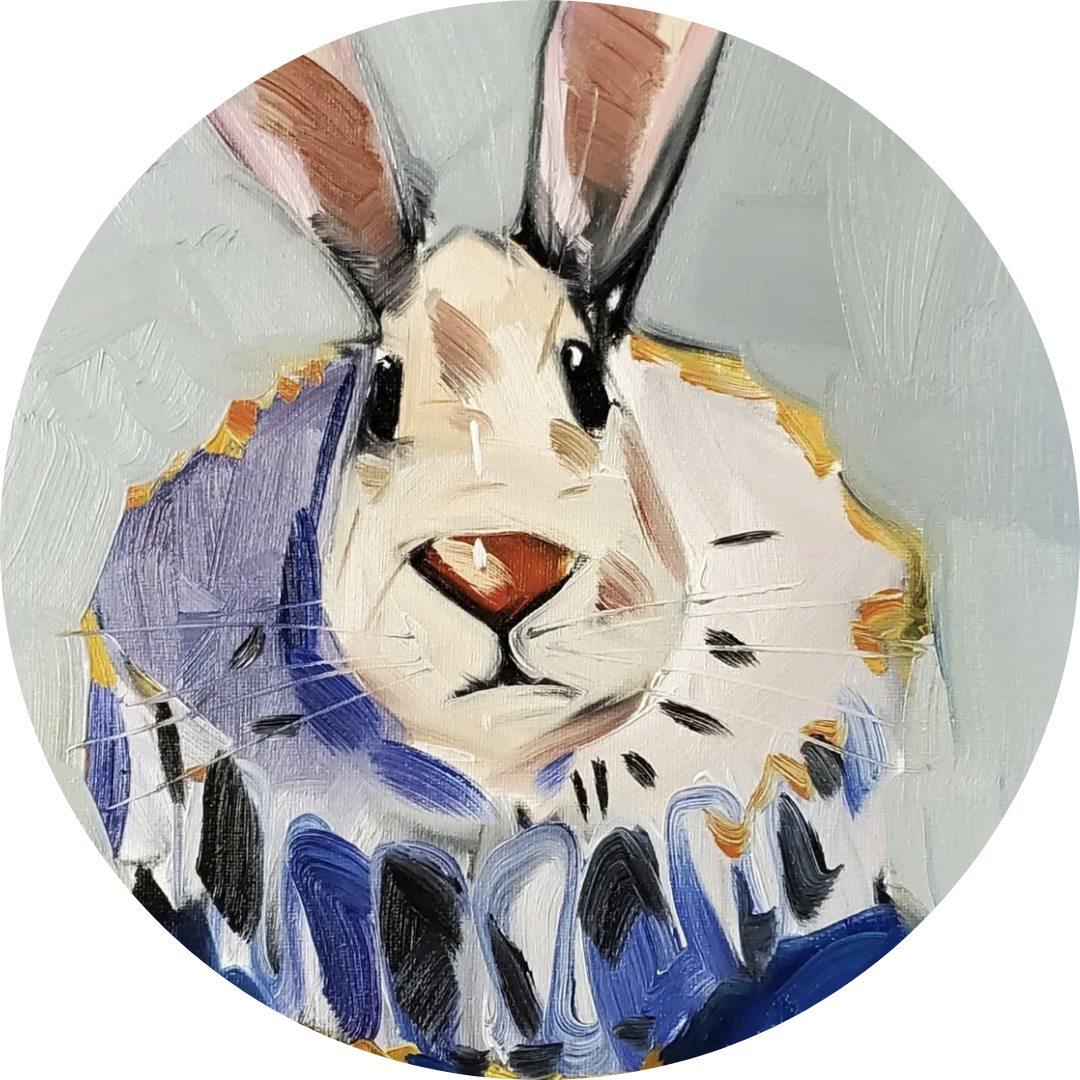
Module 5
Now it's time to bring everything together. In this module, you'll learn how to simplify scenes, build layers quickly, and paint expressive landscapes full of movement and mood. We'll explore skies, trees, flowers, and water — then wrap it up with a full start-to-finish painting.
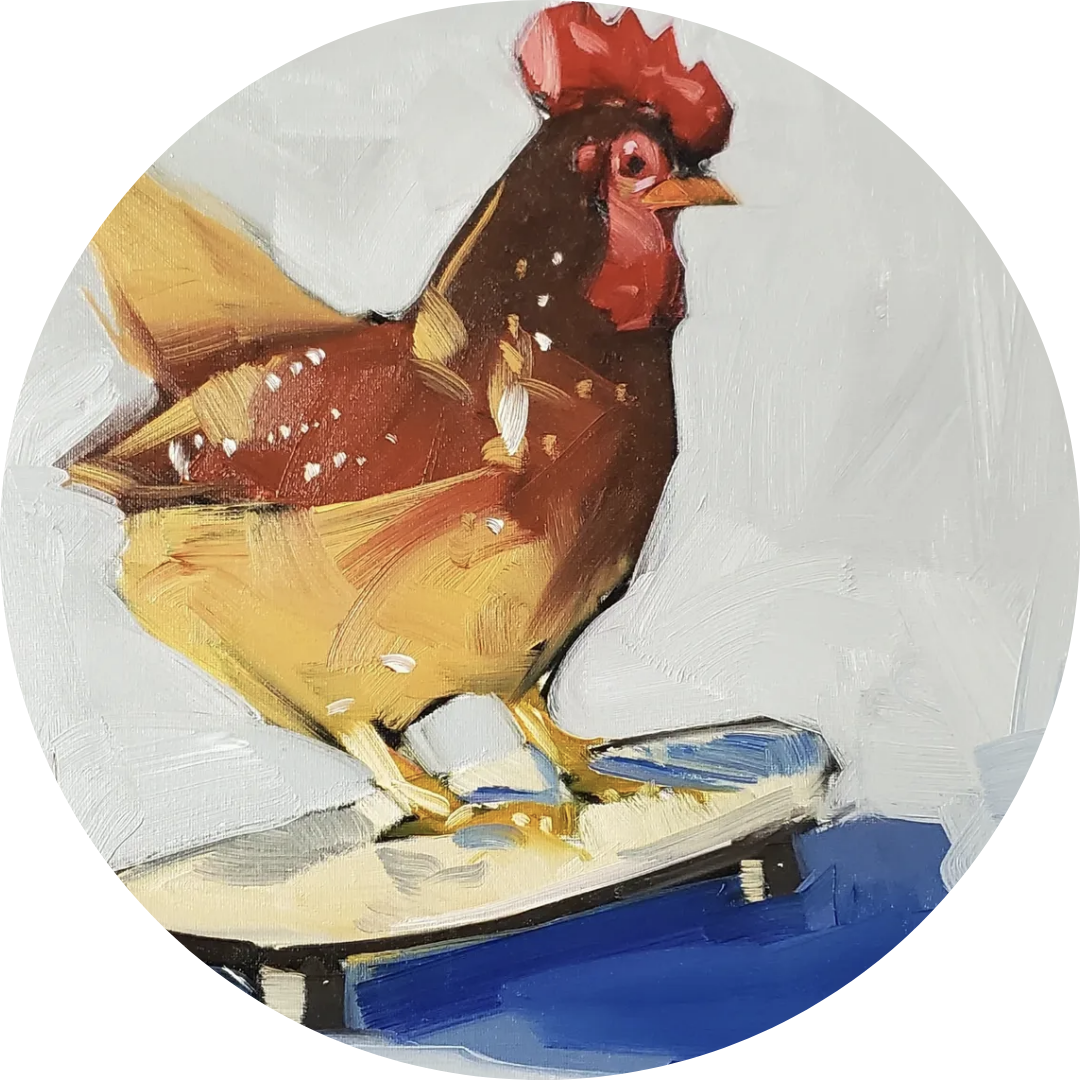
Module 6
Consistency is key to growth. In this module, you'll discover how a daily painting routine can boost your confidence, loosen your style, and keep creativity flowing. We'll cover simple habits, quick warm-ups, and end with a motivating 3-day painting challenge.
Social Proof Carousel
Row on Excel: #21


Testemonials Carousel
Row on Excel: #23
What students are saying
"I went from complete beginner to selling my first painting in 6 weeks."
— Sofia R., Illustrator"My Spanish went from A2 to B2 in 4 months. Unreal results."
— James L., Language Learner"Finally a course that doesn't talk down to you. Pure gold."
— Mia T., Digital Artist"I've taken 5 online courses. This is the only one I finished."
— Carlos M., Student"The community alone is worth 10x the price of the course."
— Elena B., Artist"I went from complete beginner to selling my first painting in 6 weeks."
— Sofia R., Illustrator"My Spanish went from A2 to B2 in 4 months. Unreal results."
— James L., Language Learner"Finally a course that doesn't talk down to you. Pure gold."
— Mia T., Digital Artist"I've taken 5 online courses. This is the only one I finished."
— Carlos M., Student"The community alone is worth 10x the price of the course."
— Elena B., ArtistCopy Effects Codes
1.Gradient Effect on the Title
Row on Excel: #29
2.Colored Bar Behind Text
Row on Excel: #25
3. Add Shadow to Text
Row on Excel: #27
4. All Capital Letter And Spacing
Row on Excel: #26
Row on Excel: #30
6. Auto Written Title Effect
Row on Excel: #31
7. Paint Stroke Effect
Row on Excel: #32
Mastering watercolor portraits is a natural gift
Maybe you think artists who create lifelike portraits are just naturally gifted. Maybe you've told yourself, "I don't have the technical eye to paint a face."
But here's the truth: watercolor portraiture is a structured process not magic.
You don't need to be a "natural" to start. You need clear guidance, and the confidence to lay down your first wash.
8. Scrolling Words Effect
Row on Excel: #33
I build products, systems, platforms, and infrastructure.
- products.
- platforms.
- web applications.
- interfaces.
- design systems.
- API platforms.
- backend services.
- distributed systems.
- data architectures.
- resilient architectures.
- scalable software.
- technical foundations.
Striked Price
Row on Excel: #28
Custom Fonts
Row on Excel: #24
Modak
Doodle Font
Icons Codes
Payment Provider Icons
Row on Excel: #34

Wating List Icons
Row on Excel: #35
Display Codes
Remove Power By Kajabi
Row on Excel: #37

Clean & Responsive Banners
Rows on Excel: #38 & #39
Change Button Font
Rows on Excel: #36
Clean & Responsive Countdown
Rows on Excel: #40
00
DAYS
00
HOURS
00
MINS
00
SECS