
CSS LIBRARY
A centralized collection of production-ready CSS and JavaScript snippets optimized for Kajabi.
CSS code's:
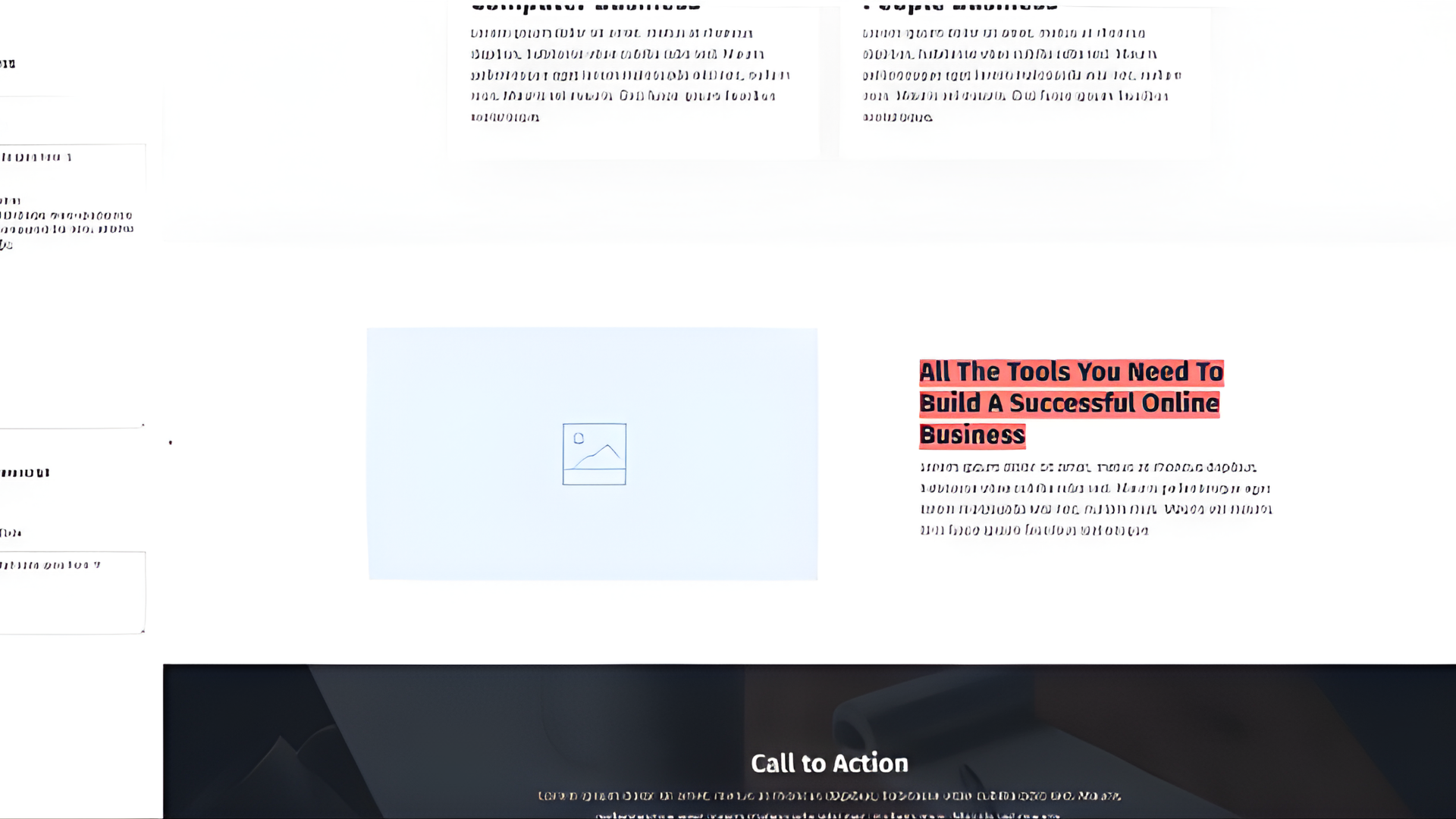
Paste inside Page Settings → Custom Code → Custom CSS
.bar is a custom class. The gradient creates a highlight effect behind inline text. transparent 0% 30% controls where the highlight starts. #ff9797 is the highlight color (change to any hex). To use it: How this works (Click to expand)
<span class="bar">YOUR TEXT</span>
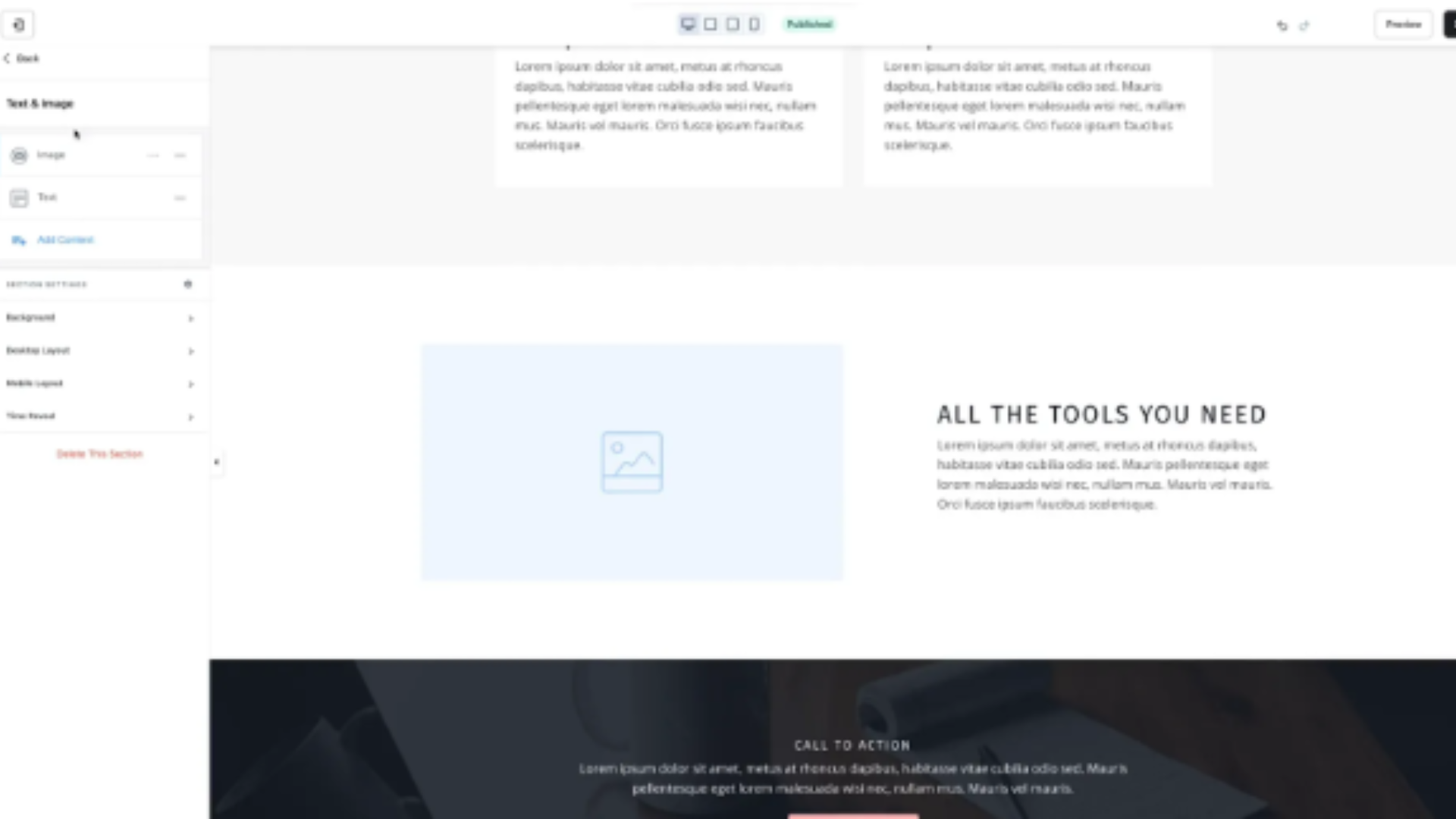
Paste inside Page Settings → Custom Code → Custom CSS
text-transform: uppercase; forces text to display in all caps. To apply it: How this works (Click to expand)
<span class="uppercase">YOUR TEXT</span>
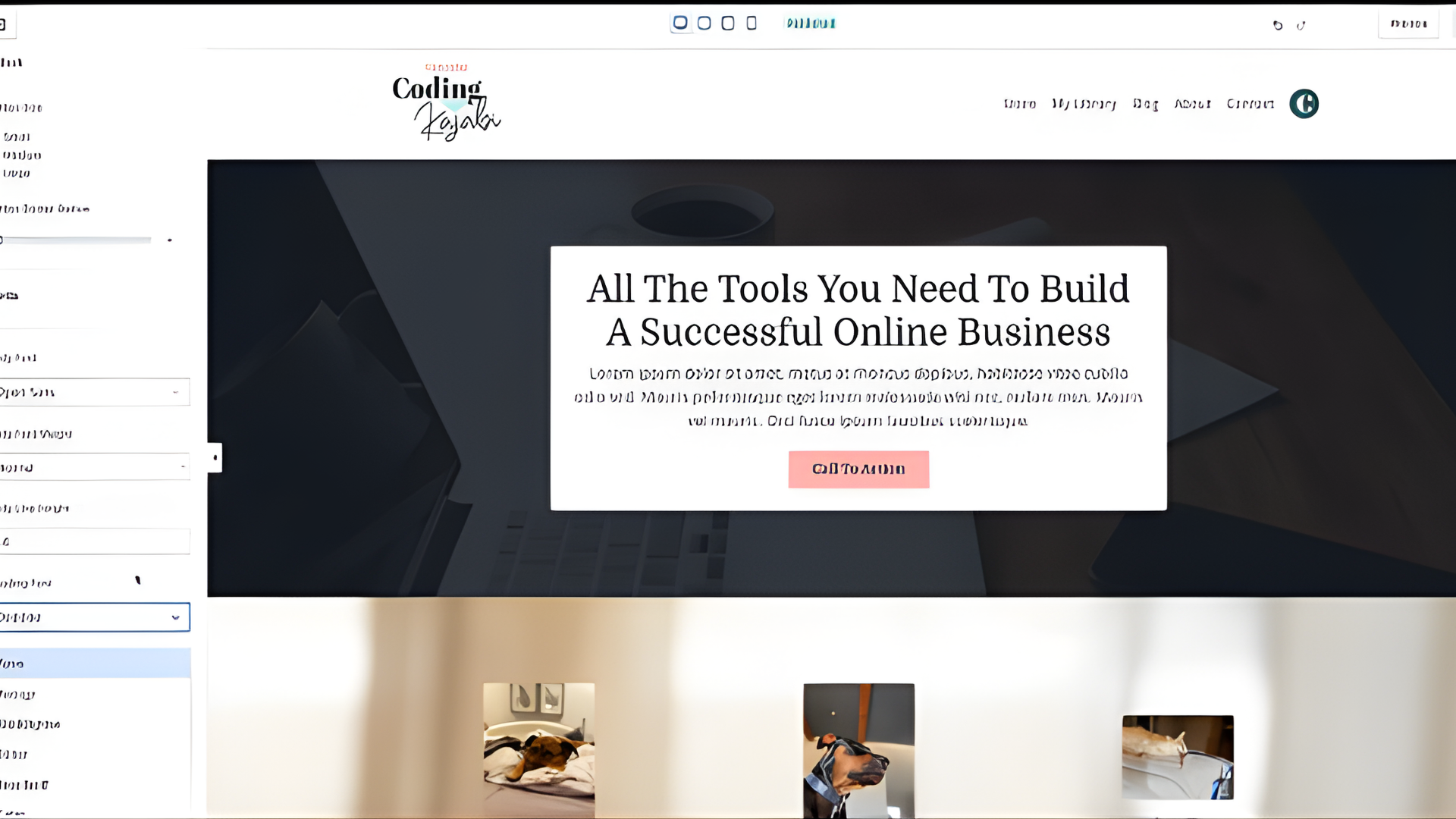
Paste inside Page Settings → Custom Code → Custom CSS
This targets Kajabi’s default button classes. Replace 'Domine' with your custom font. If your font has spaces: How this works (Click to expand)
'Times New Roman', Times-New-Roman, Times New Roman

Paste inside Page Settings → Custom Code → Custom CSS
text-shadow adds depth behind text. Format: To apply: How this works (Click to expand)
horizontal-offset vertical-offset blur-radius color
<p class="main-shadow">Your text</p>
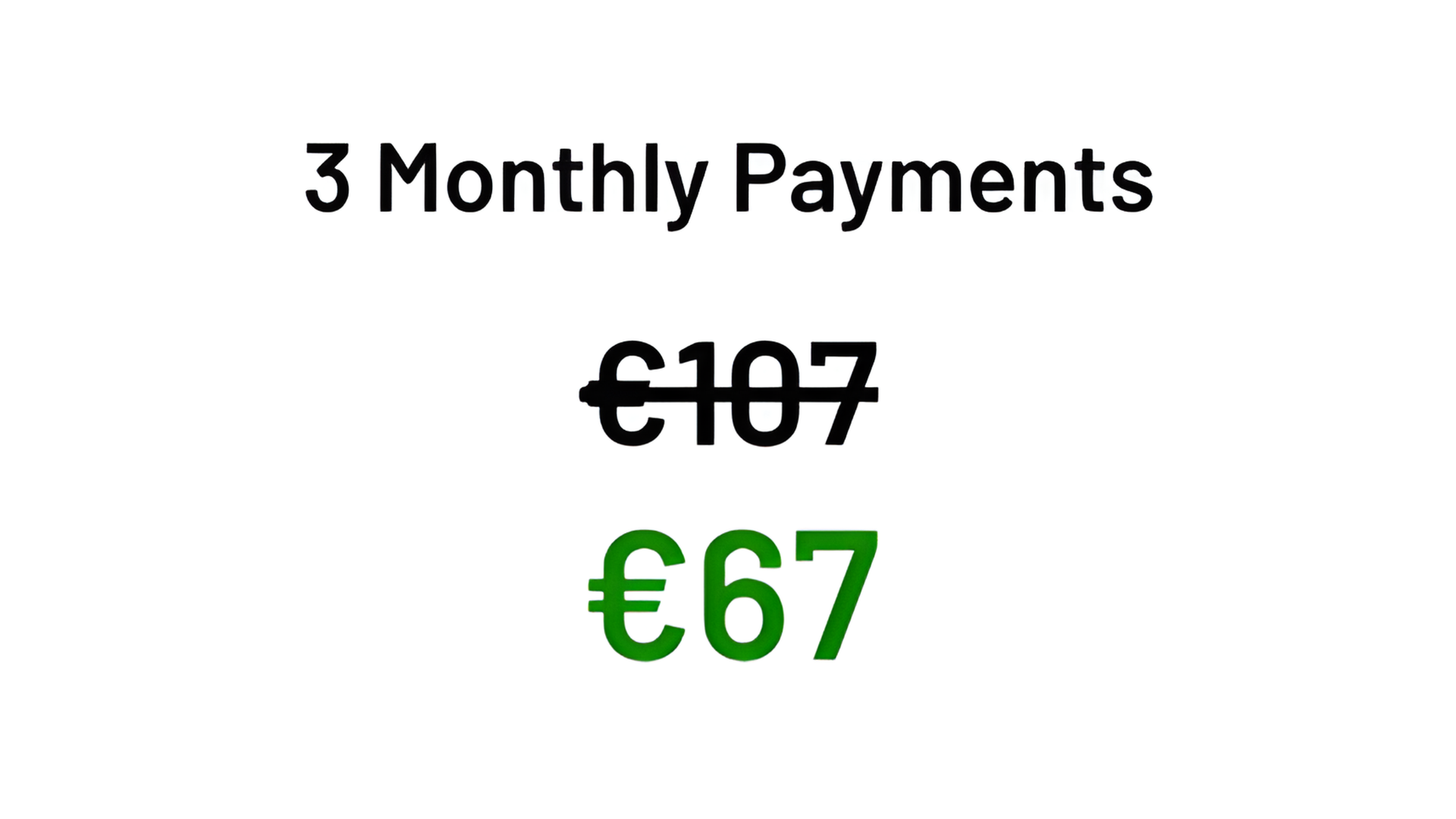
Paste inside Pricing Card → Price Field (Source Code Mode)
<strike> creates the crossed-out original price. The <span> below displays the discounted price. You can change: How this works (Click to expand)
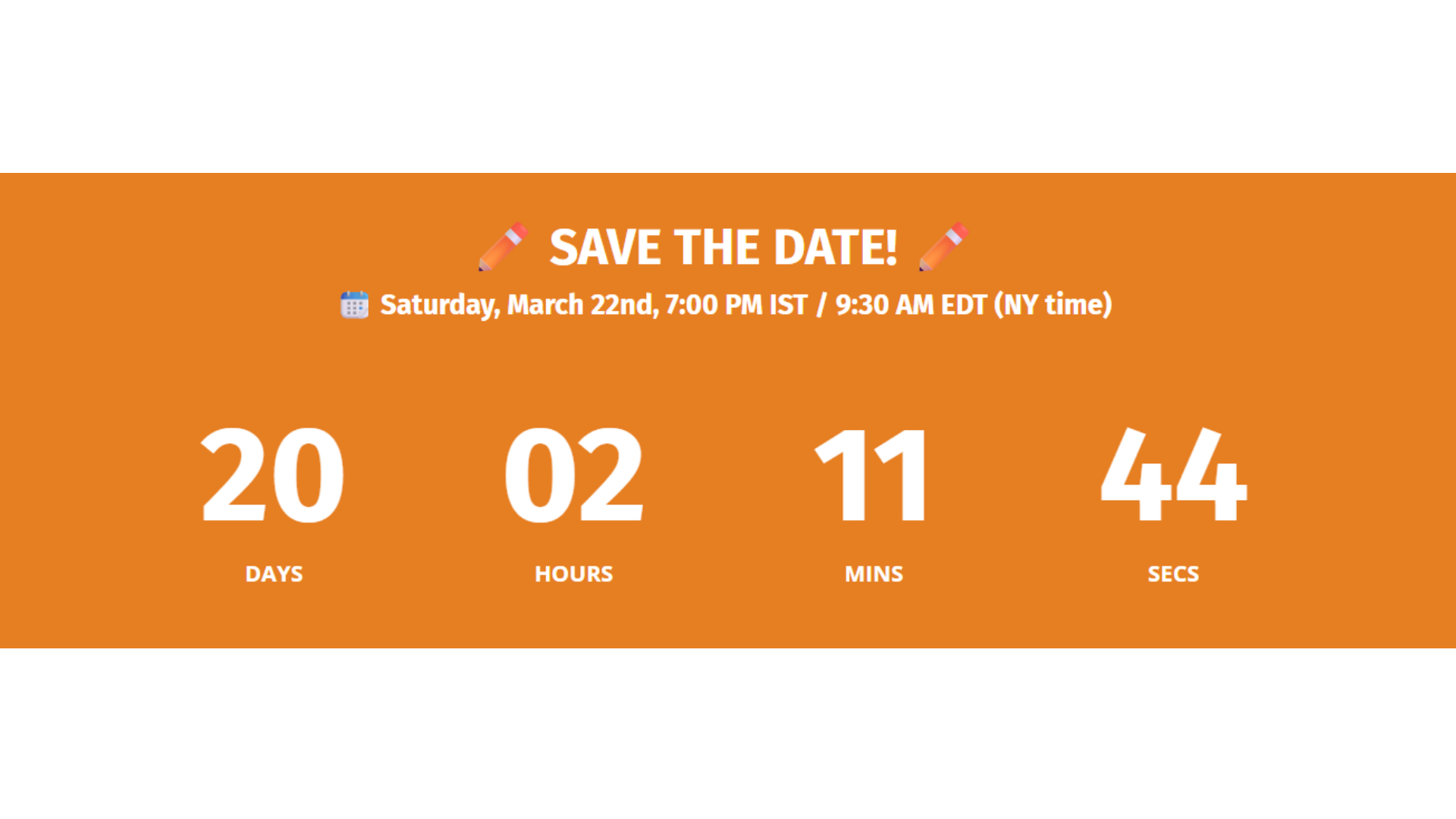
Paste inside Page Settings → Custom Code → Custom CSS
.countdown__number controls the timer numbers. .countdown__label controls text below numbers. Increase or decrease font-size as needed. 3rem can be changed to 2rem, 4rem, etc. How this works (Click to expand)

Paste inside Offers Checkout → Source Code (<>) Area
This inserts an image of payment provider icons. You can replace the image URL with your own uploaded icon set. Usually placed below disclaimers on checkout pages. How this works (Click to expand)
Click to view full code
Add a Custom Code section → Paste entire snippet
clamp() makes font responsive. First value = minimum size. Second = responsive scaling. Third = maximum size. You can change text color and font-size. How this works (Click to expand)

Paste inside Page Settings → Custom Code → Custom CSS
This applies a gradient to text instead of solid color. Use this in your title: You can change the gradient colors. How this works (Click to expand)
<h1 class="gradient-title">Your Title</h1>

Paste inside Page Settings → Custom Code → Custom CSS
This creates a rounded CTA button with inner glow. To use: Change background color to match branding. How this works (Click to expand)
<a href="YOUR LINK" class="cta-01">
Join the Community
</a>
Click to view full code
Paste inside Page Settings → Custom Code → Custom CSS
Upload font file via temporary Download button. Right-click → Copy Link Address. Replace PASTE-FONT-URL-HERE with that link. Change font-family names accordingly. How this works (Click to expand)
For more information click here
Paste inside Page Settings → Custom Code → Custom CSS
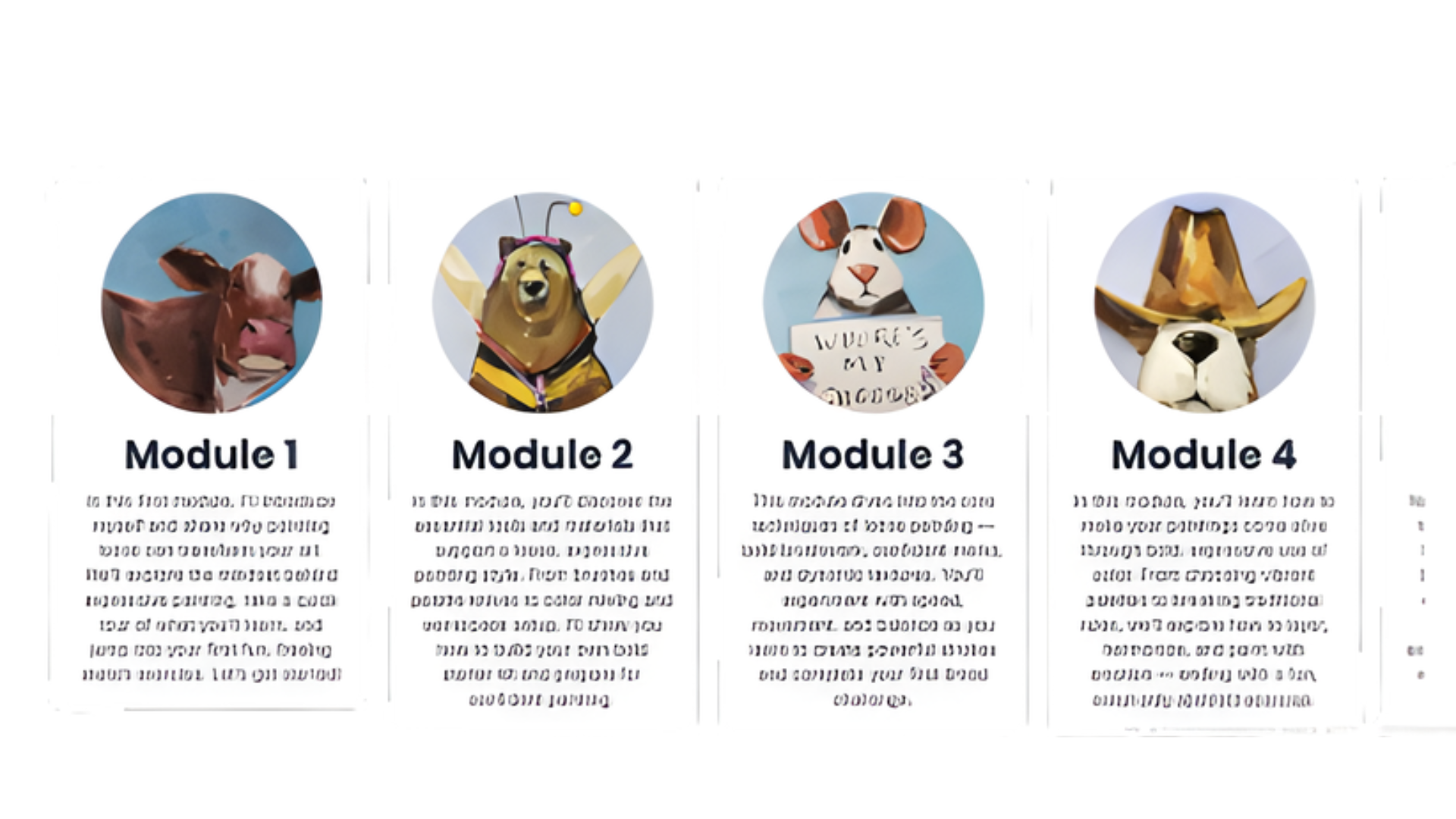
This creates a horizontal scroll carousel. Each item snaps into place. Works well for modules or testimonials. How this works (Click to expand)
Paste inside Page Settings → Custom Code → Custom CSS
Targets Kajabi footer branding element. !important forces override. How this works (Click to expand)

Paste inside Page Settings → Custom Code → Custom CSS
Overrides Kajabi button typography. Replace font name with your uploaded font. How this works (Click to expand)

Paste inside Page Settings → Custom Code → Custom CSS
Applies gradient to all H1 & H2 titles globally. Change gradient colors to match branding. How this works (Click to expand)
JAVASCRIPT code's:
Paste inside Page Settings → Custom Code → Footer
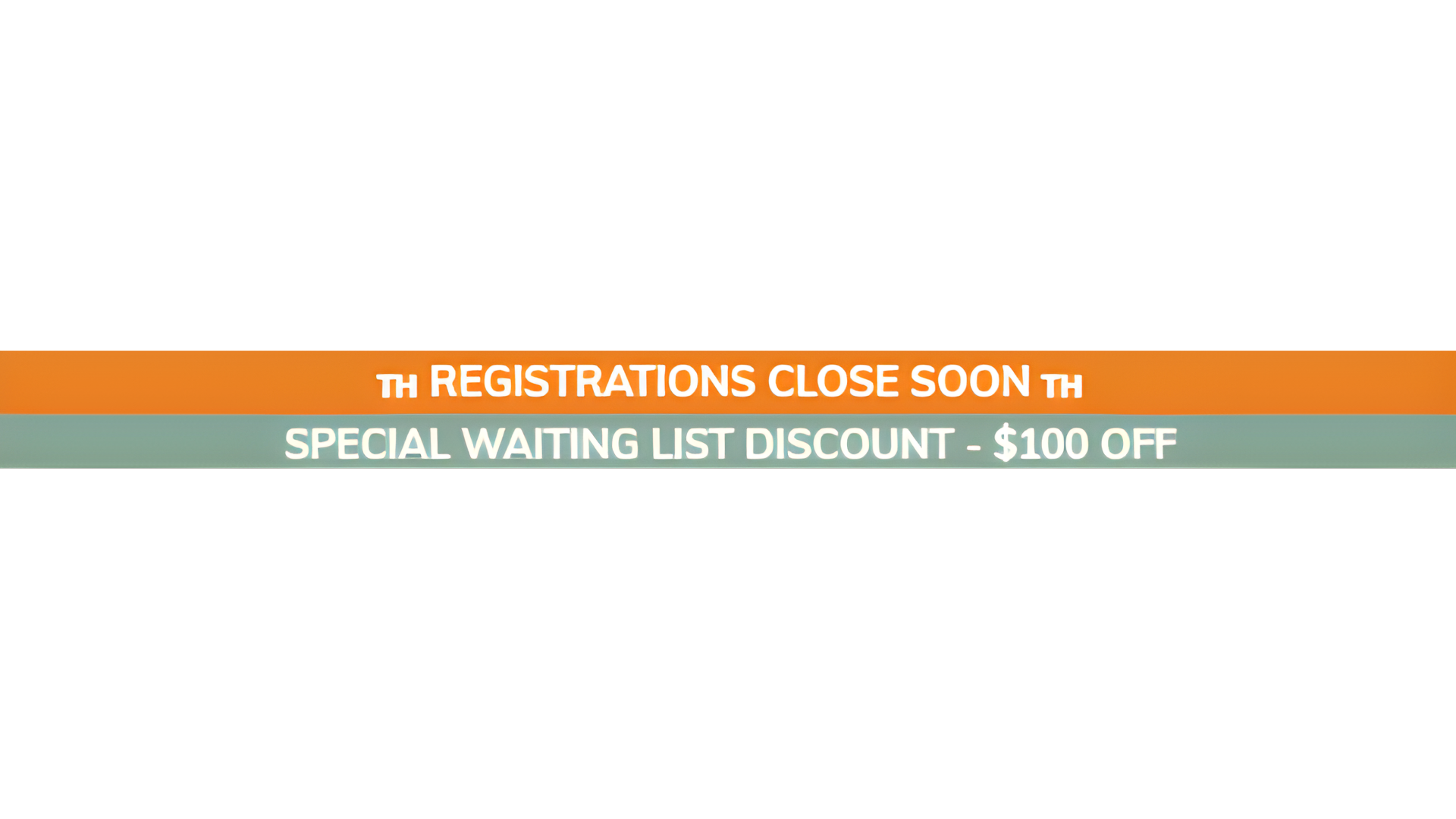
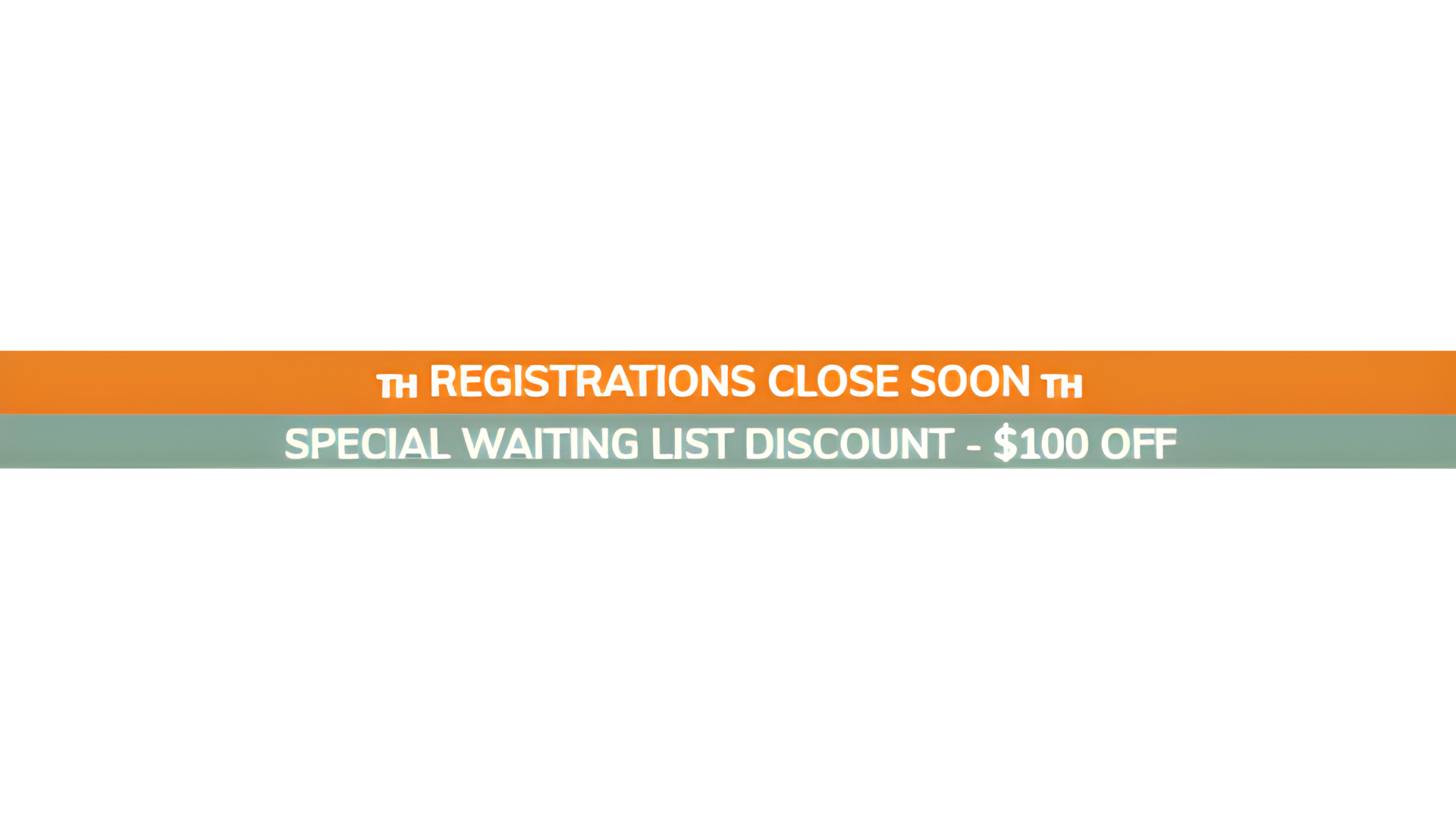
This script changes banner text based on data-key. Example usage: Change data-key to: wl, web, ps, or ti. How this works (Click to expand)
<span class="banner_2" data-key="wl"></span>
Click to view full code
Paste inside Custom Code section
This loads Lucide icon library. Change icon name inside data-lucide. Modify width, height, and stroke color inside script. How this works (Click to expand)

Click to view full code
Add Custom Code section → Paste entire snippet
This creates a continuously scrolling logo carousel. Duplicate logos for seamless loop. Replace image links with your own. How this works (Click to expand)
For more information watch this loom: click here
ANIMATION code's:

Paste inside Page Settings → Custom Code → Custom CSS
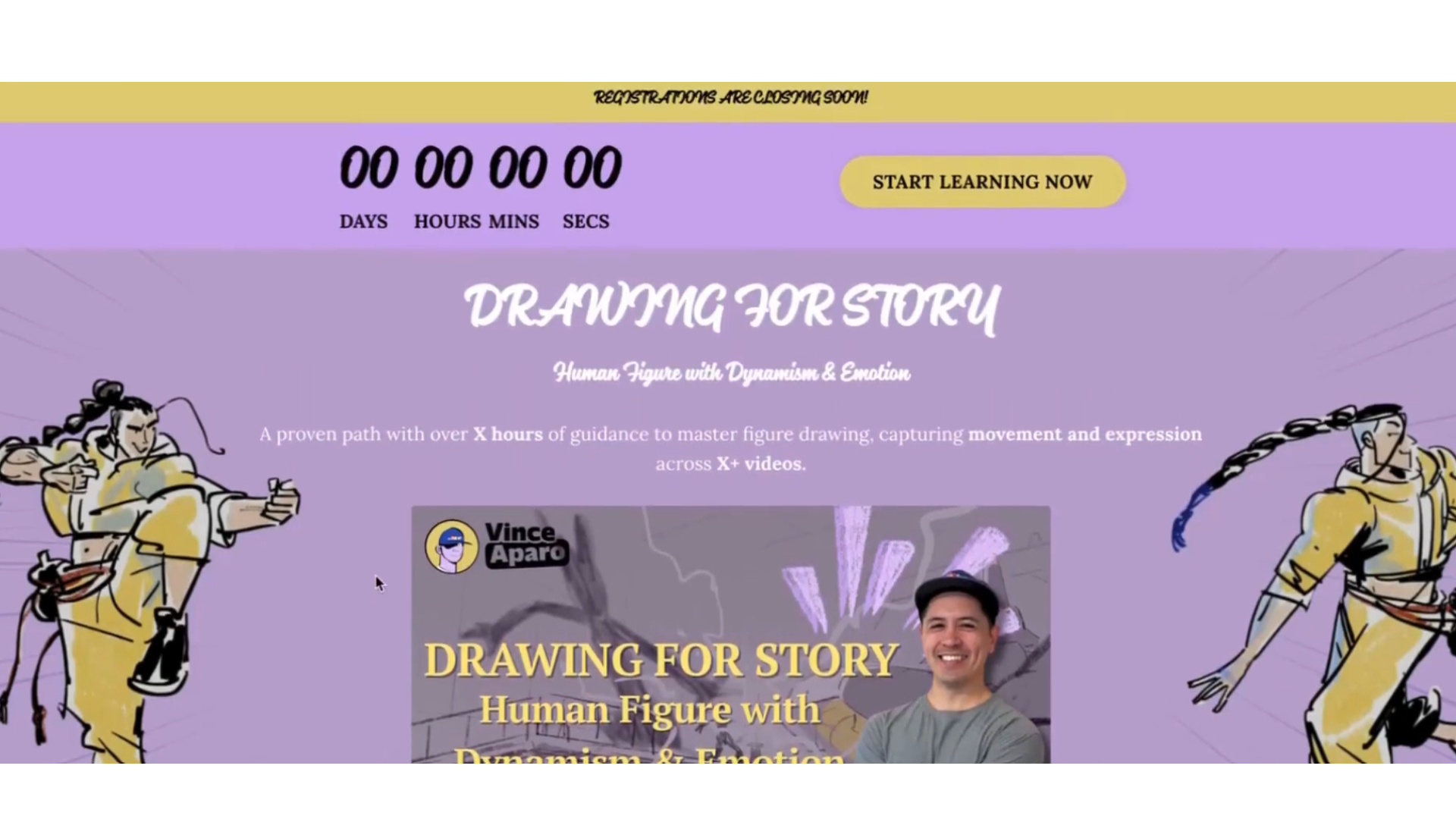
This animates Kajabi CTA buttons using a moving gradient. background-size: 300% allows smooth movement. @keyframes controls the animation cycle. Change gradient colors to match branding. How this works (Click to expand)
Paste inside Page Settings → Custom Code → Custom CSS
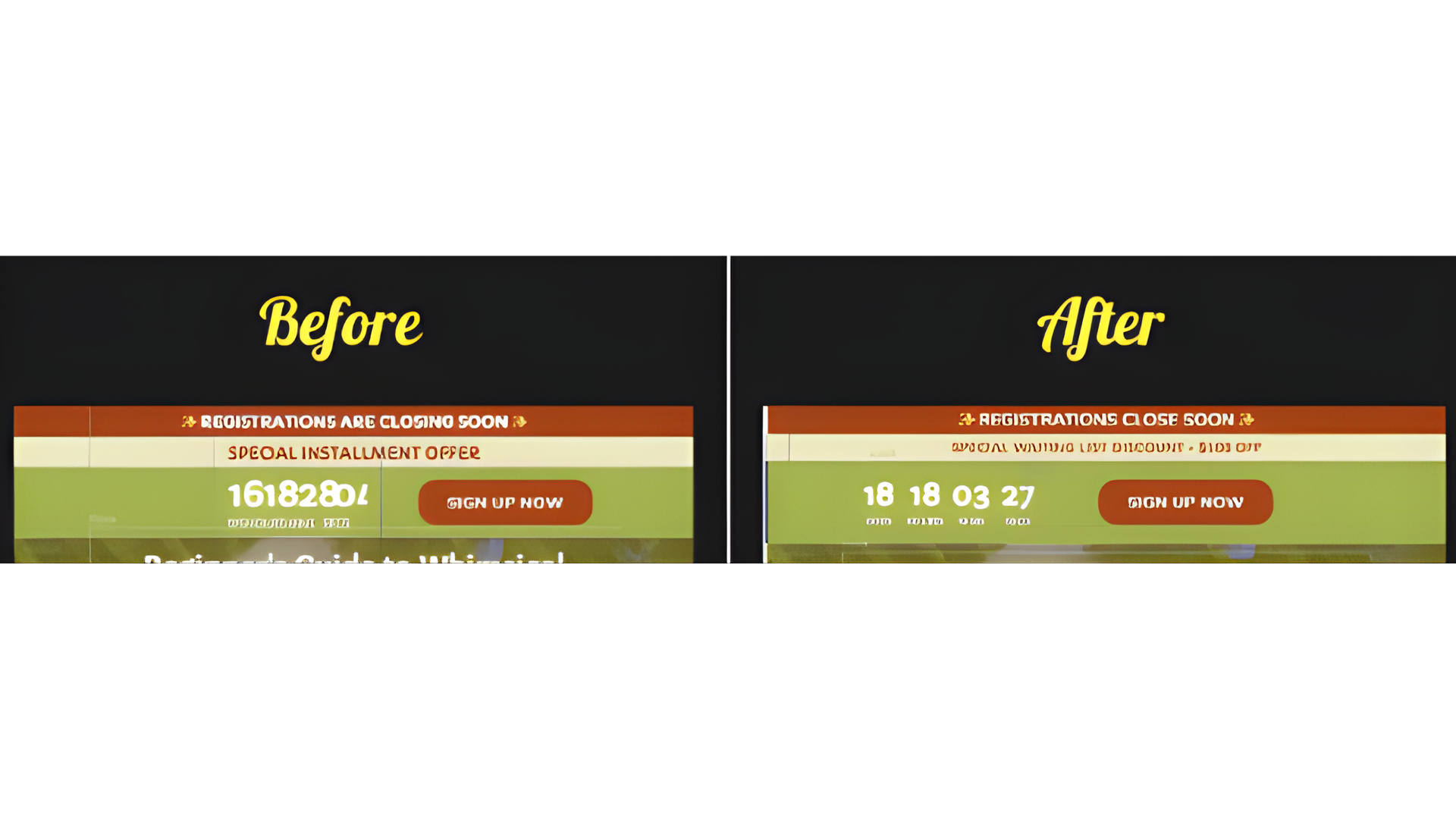
clamp() makes numbers scale automatically. Removes extra padding from Kajabi default layout. Keeps timer aligned and responsive. How this works (Click to expand)