REGISTRATIONS CLOSE SOON
00
DAYS
00
HOURS
00
MINS
00
SECS

Stopmotion Animation · Getting Started
Your toys can move. Let's make them.
Learn stop-motion from zero with a Laika and Blizzard animator. 8 hands-on modules, from a simple bouncing ball to full pantomime acting, using gear you already own.

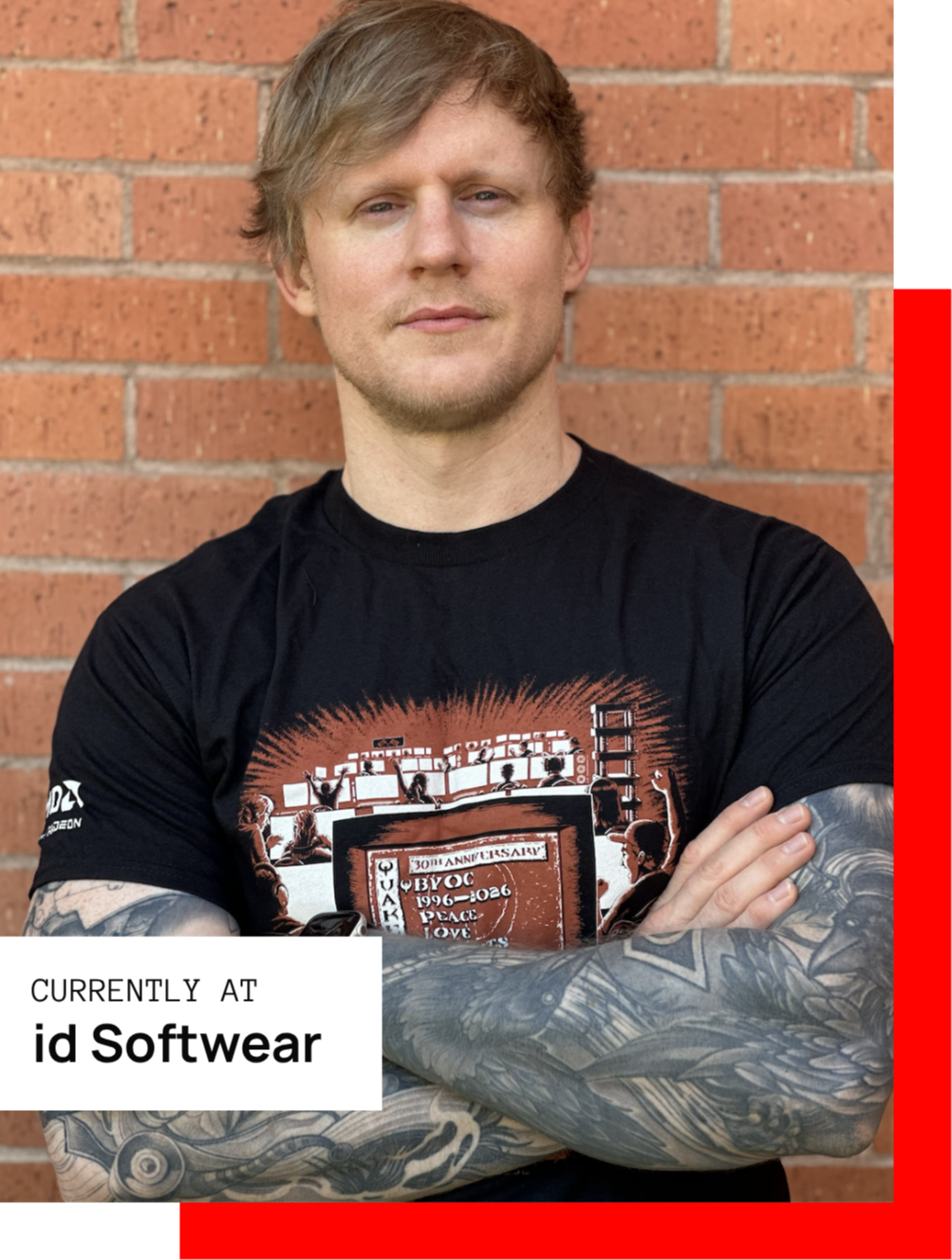
Your Instructor
Hi, I'm Gavin.
I’m a Senior/Principal Concept Artist in the games industry, specialising in hard-surface design and environments. I currently work at id Software, and I have contributed to projects for some of the biggest studios and IPs in the world.
Before concept art, I spent 8 years in interior design and worked as a part-time teacher. That background shapes how I approach every vehicle: practically, spatially, and with a clear reason behind every shape.
I also teach through Gnomon Workshop and Learn Squared, where I created a Mech Design course, and I share tutorials and 3D-printable model kits with my community on Instagram and Gumroad. This course is my complete ship and vehicle workflow, structured so you can follow it step by step.
Talent is not the missing piece. Process is.
+Imagine opening a brief and knowing exactly how to begin.
+Imagine turning a messy first sketch into a clear, confident silhouette.
+Imagine presenting vehicles with orthographic views and renders that read as professional.
Without a process, the pattern repeats. You copy, you polish, you stall. Your portfolio fills with pieces that look good but cannot answer the one question every art director asks: why does it look like this?
Copying references until something feels right
Polishing the first idea because it is the only one
Shapes chosen because they look cool
One hero shot with nothing behind it
Building a visual library and designing from it
Exploring loose silhouettes before committing
Every form driven by function and intent
Orthographic views, 3/4 sketches and renders
Concept Vehicle Design was built to close that gap, step by step, using the same methods I rely on in AAA production.
What You Will Unlock
Three core skills that separate a sketch from a design, each built through real-time demos and guided exercises.
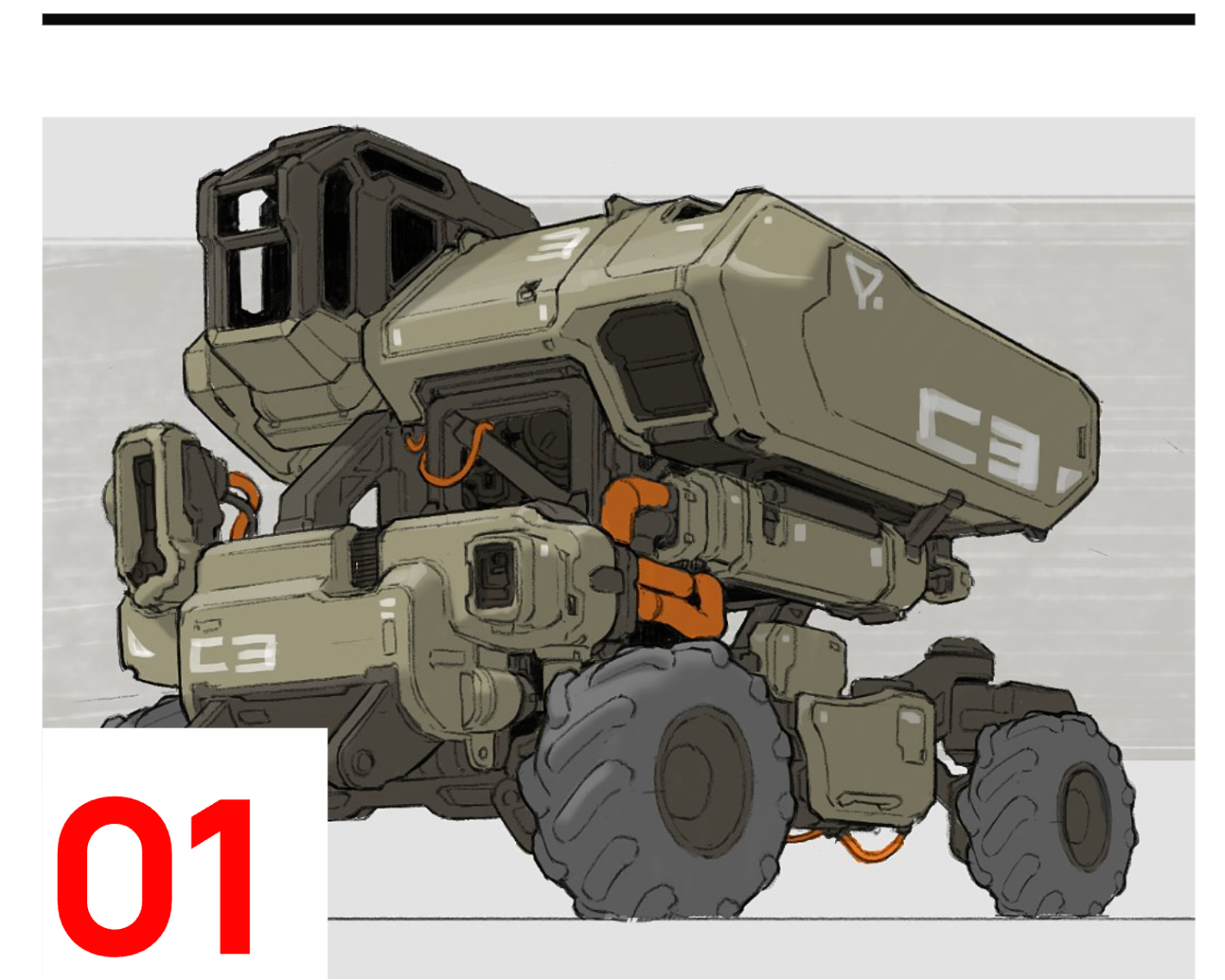
Draw With Technical Confidence
Master perspective, line weight, ellipses and camera lenses so every vehicle sits believably in space.
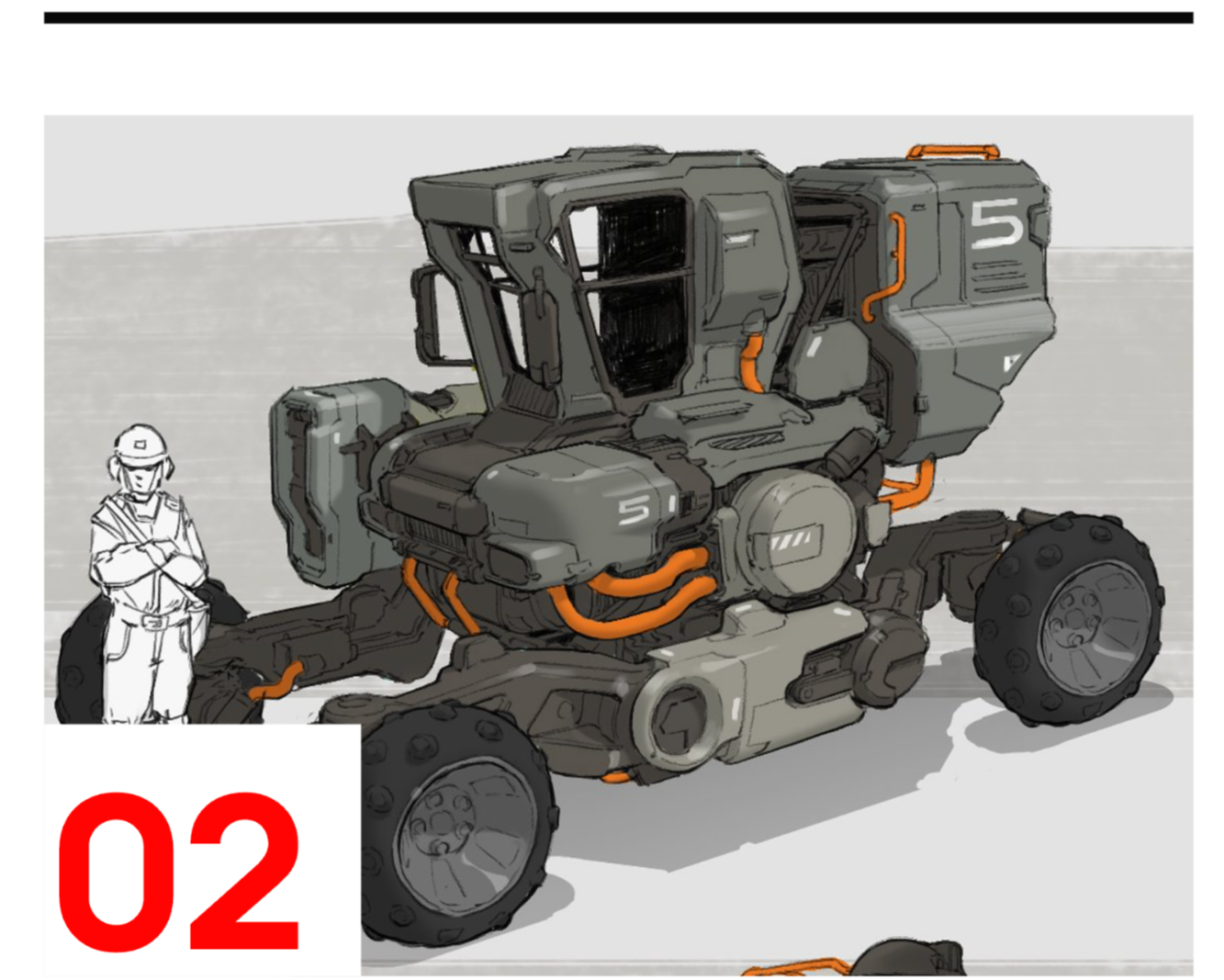
Design With Intent
Use flow lines, visual libraries and function-driven thinking so your designs look like they could actually work.
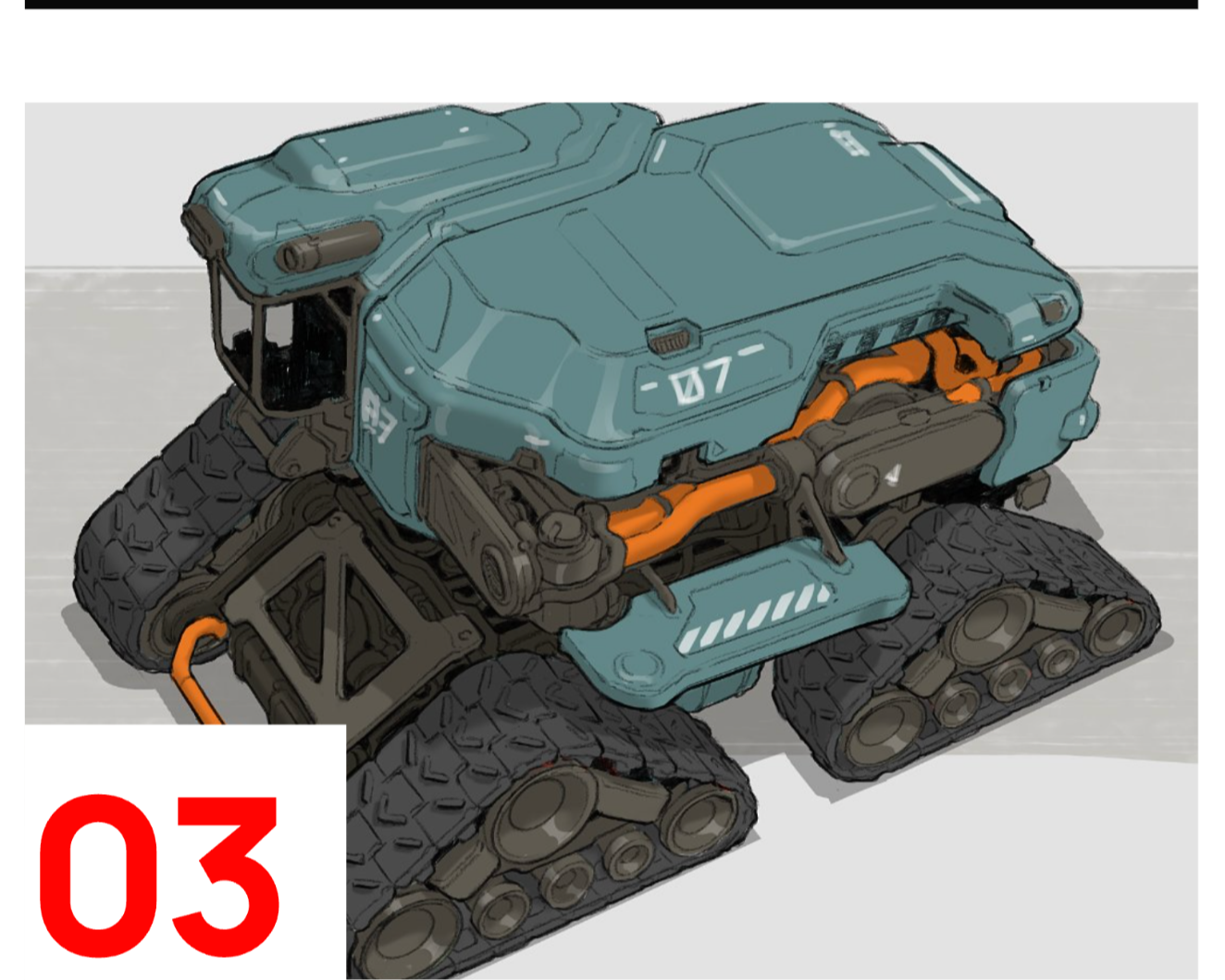
Present Like a Professional
Take ships and vehicles from loose silhouettes to orthographic views, 3/4 sketches and finished renders.
Course Content
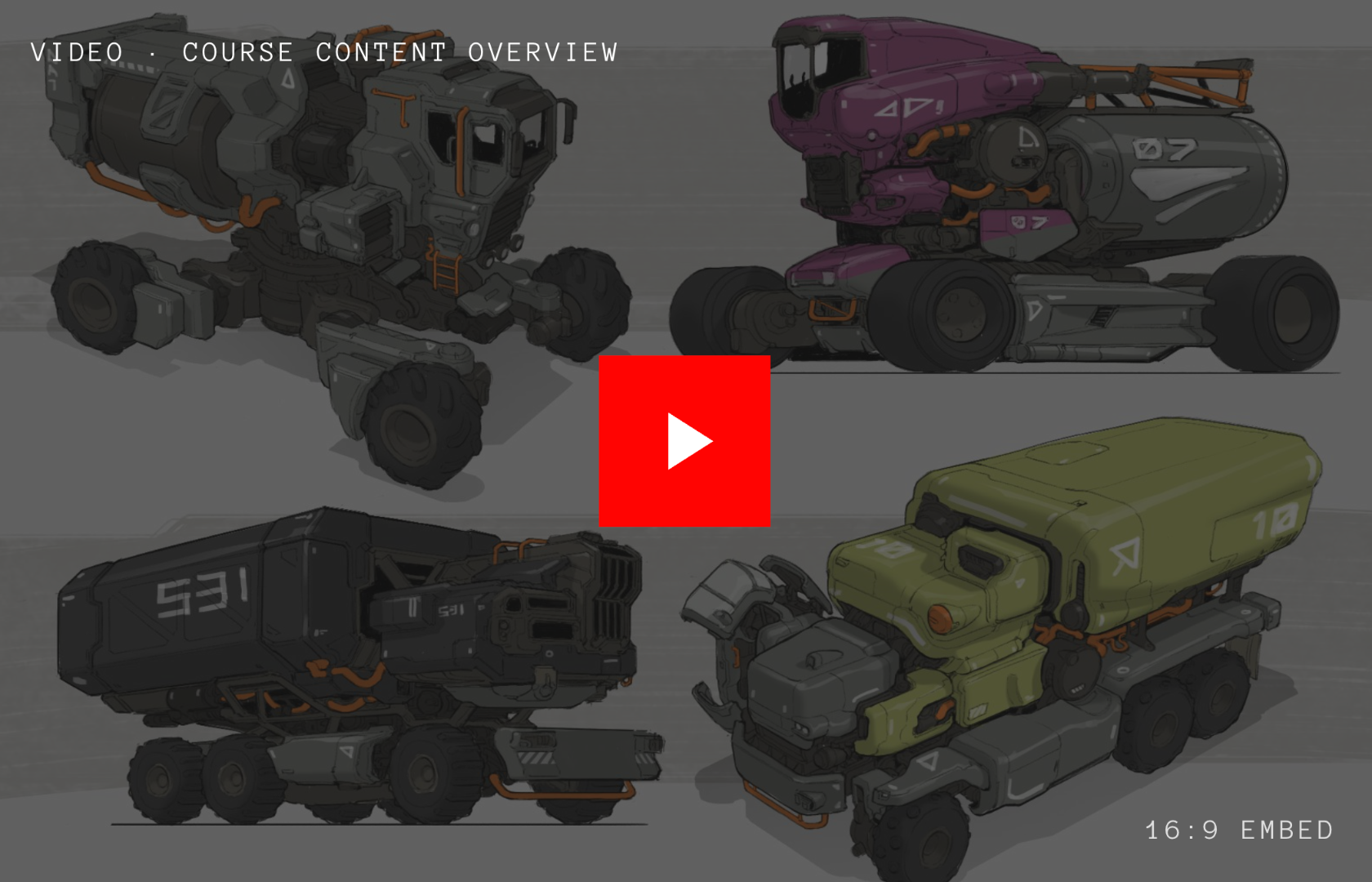
to advanced
The course is divided into 8 carefully sequenced modules with over 10 hours of real-time demonstrations and 60+ video lessons you can pause, rewatch and revisit anytime.
It is built for aspiring and hobbyist concept artists who already sketch and want a structured, professional process. Each module builds on the last, from sketching foundations and design theory to loose ideation and silhouette work.
You finish with fully rendered ships and vehicles and a larger personal project, plus a workflow you can bring to any vehicle, ship or hard-surface design you take on next.
The Full Pipeline, Module by Module
From your first warm-up line to a finished, rendered vehicle. Every module ends with work you can put into practice straight away.
Introduction, Tools and Planning
Set expectations, see the final project, and get set up with the tools and planning approach used throughout the course.
Sketching Technique Foundation
Build a reliable technical base: brushes, warm-ups, line weight, one, two and three point perspective, camera lenses, foreshortening and ellipses.
Design Foundation
Learn design basics, flow lines and how to build a visual library. Study real-life references and present a car through its function, not just its style.
Advanced Design
Go deeper with advanced design principles, loose sketch and silhouette techniques, and a method for getting bad first drawings out of the way.
Ship Design
Start from design intention and reference gathering, design in orthographic views, translate to 3/4 sketches, and render a finished ship.
Vehicle Design
Adapt the approach for ground vehicles with photobash ideation, a full sketch process, and colour using photobash techniques.
Project Building
Pull everything together into a larger project and see how Gavin would expand a design into a complete world.
Sketchbook
Why a sketchbook matters, a tour of Gavin's own, pens and materials, and how to apply the course techniques on paper.
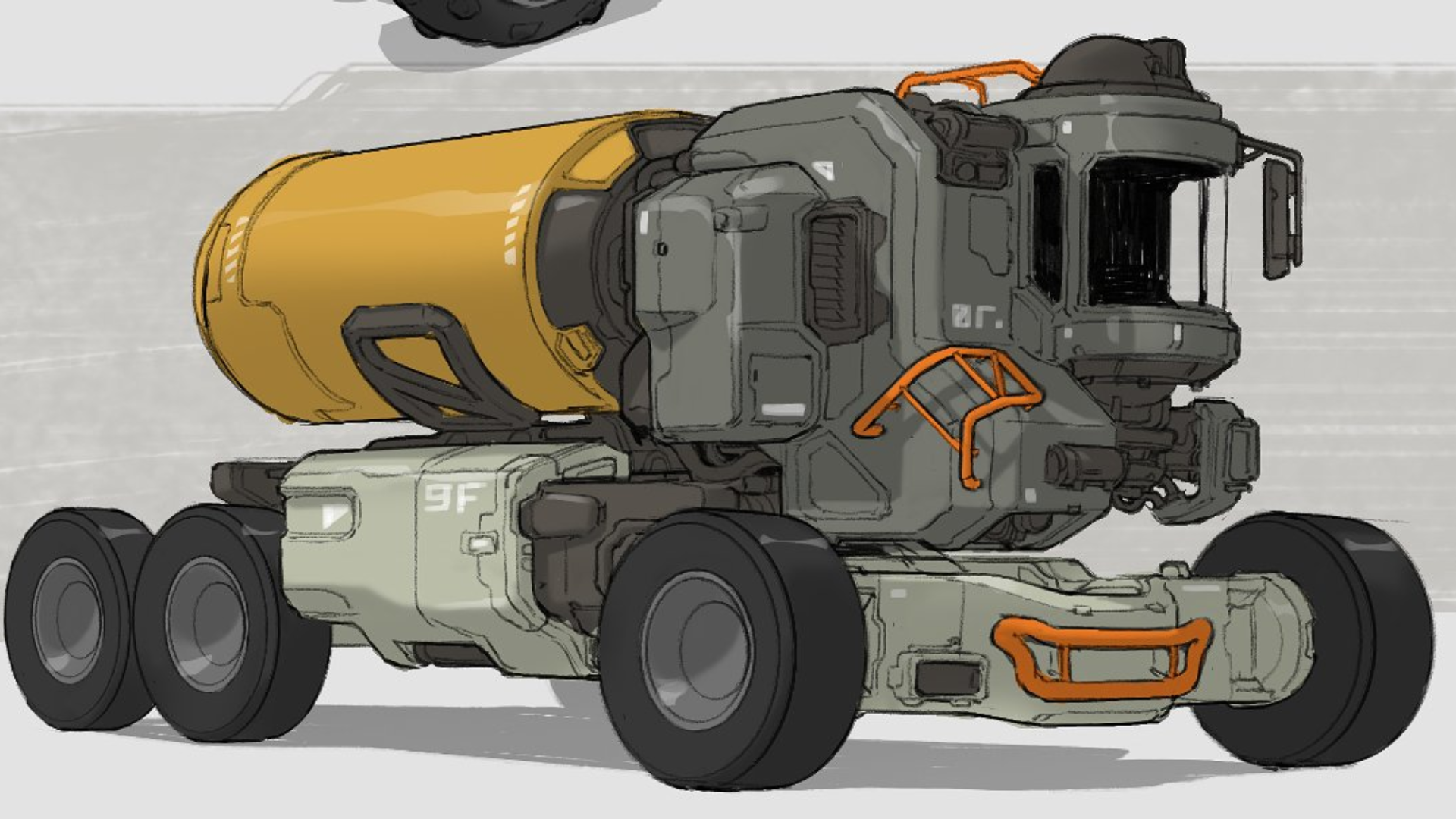
Included in Your Enrollment
More than a set of videos. A complete way of working that keeps paying off long after the last lesson.
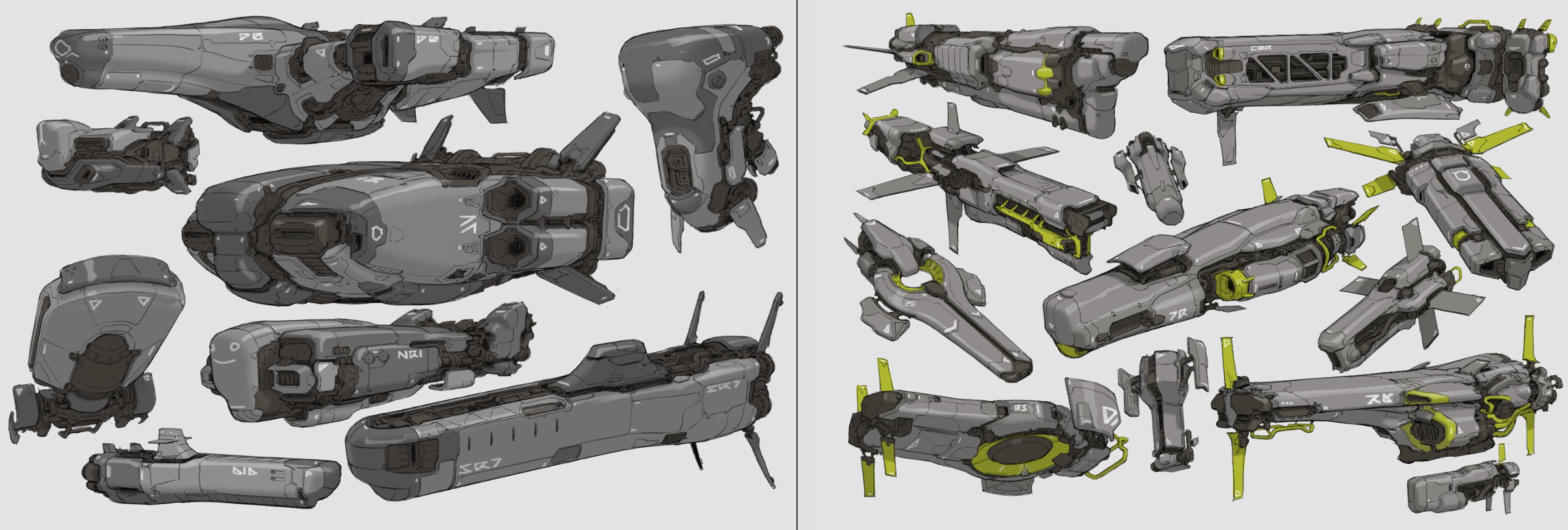
A Professional Workflow
Follow the same process used on AAA productions, from reading a brief to presenting a final render.
Hands-On Exercises
Guided exercises and design briefs turn each module into practice, so you learn by designing, not just watching.
Learn at Your Own Pace
Watch on any device, pause and rewatch as often as you need, and fit lessons around your schedule.
Lifetime Access
Enroll once and keep every lesson. Come back to any module whenever you start a new project.
Portfolio-Ready Results
Finish with ships and vehicles presented in orthographic views and renders you can proudly share.
A Transferable Skill Set
The principles apply to any hard-surface subject: vehicles, ships, mechs, props and environments.
Course Structure
Real-time demos of every decision.
Exercises that lock in each technique.
Ship and vehicle briefs, start to finish.
A larger project that ties it all together.
Concept Vehicle Design helps you build real design skills through a clear, structured and rewarding process. Every lesson is a real-time demonstration, so you see each decision as it happens, from the first warm-up line to the final render.
The course is practical and carefully sequenced. Modules end with an exercise or design brief, so you apply what you learn immediately. You can revisit the lessons anytime and keep developing your skills project after project.
Bonuses
Extra content included free with the course.
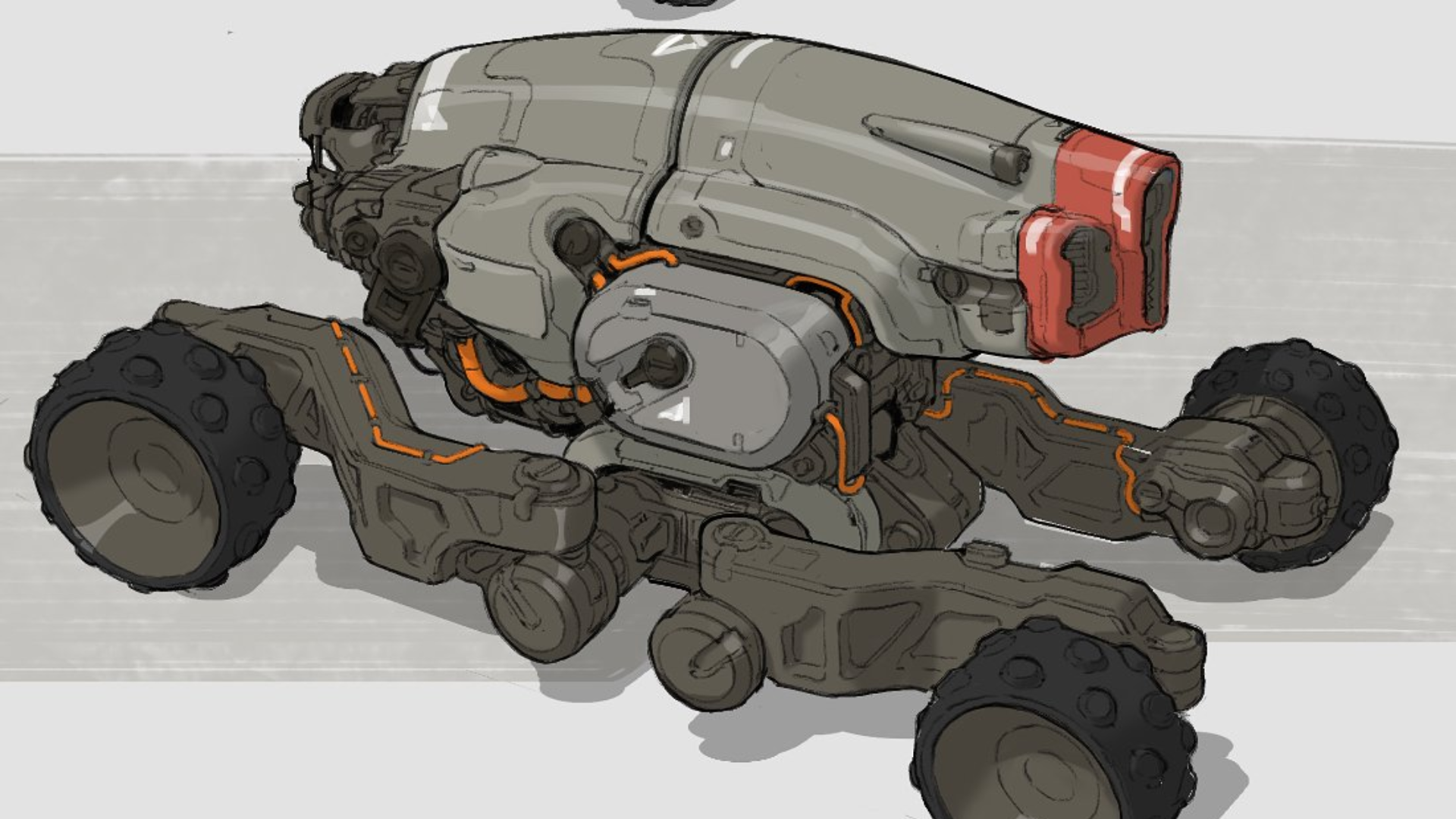 Bonus 01
Sketchbook Module
Five lessons on keeping a sketchbook: why it matters, a tour of Gavin's own, his pens and materials, and how to use every course technique on paper.
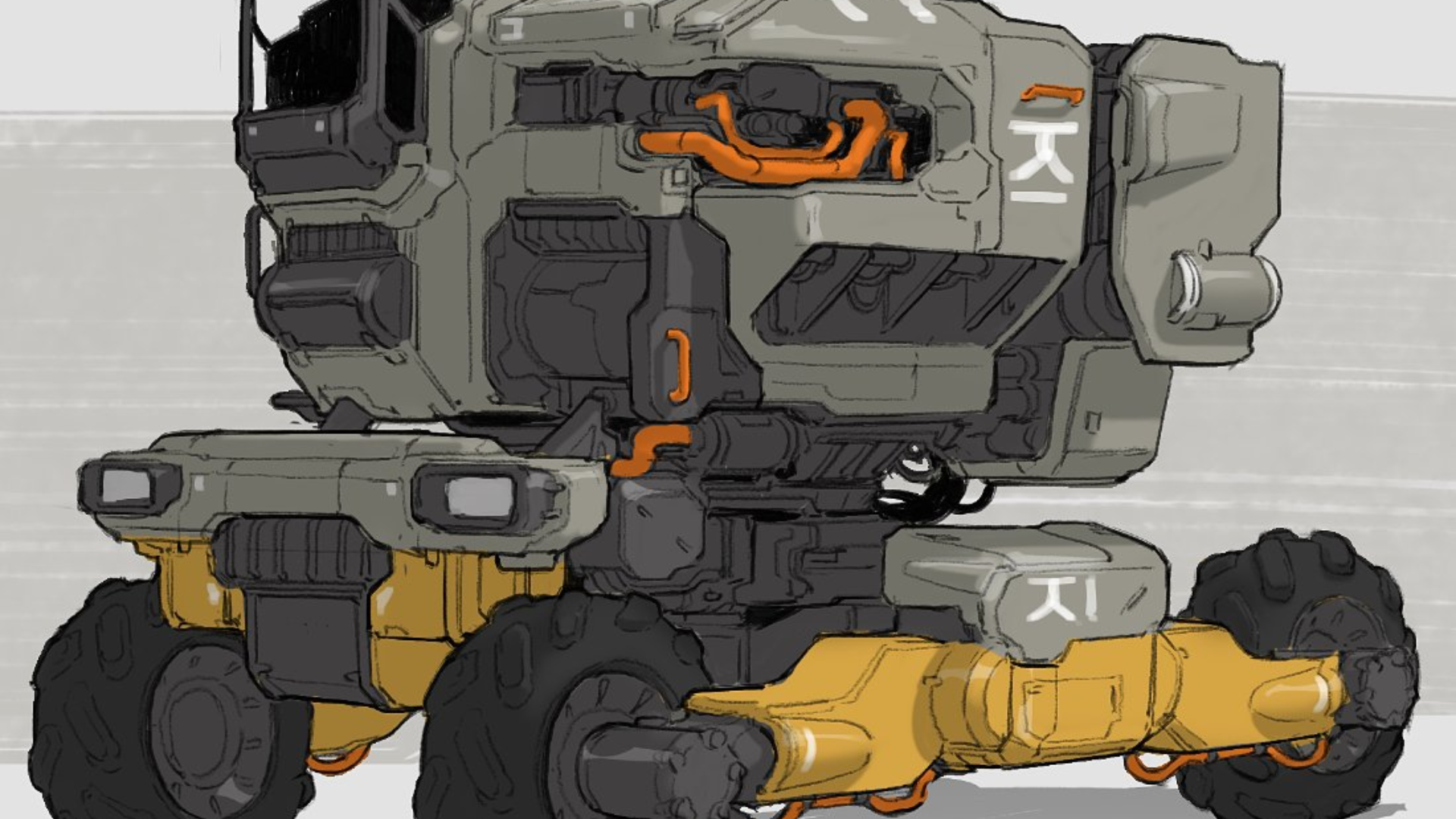 Bonus 02
Techy Boxes Timelapse
A 55-minute timelapse of Gavin designing hard-surface forms from start to finish.
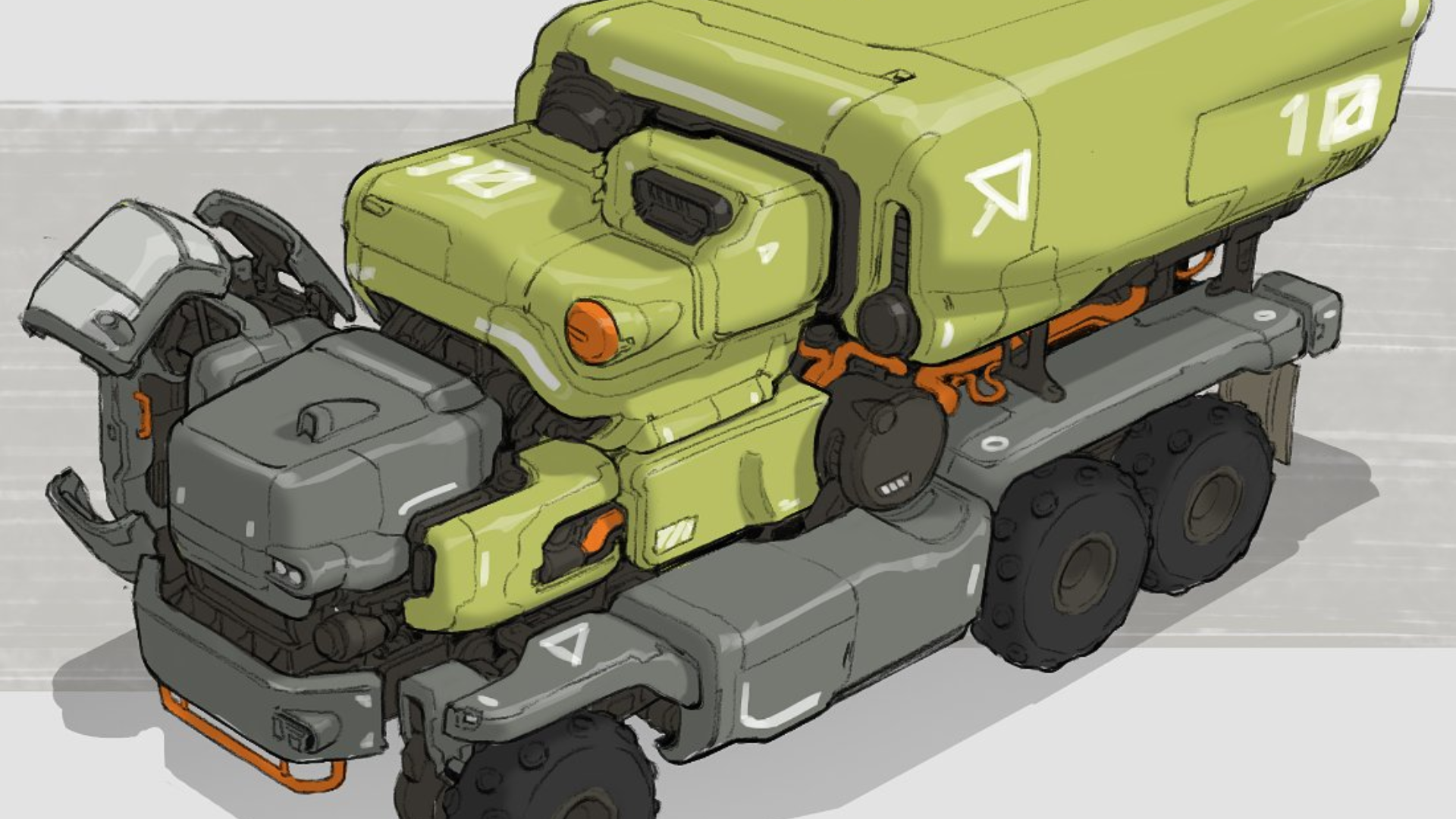 Bonus 03
Design Brief Pack
The practice briefs from the course: loose line and silhouette sketches, a ship design brief and a vehicle design brief.
REGISTRATIONS ARE CLOSING SOON!
Learn the professional workflow to design original, believable vehicles once and for all
00
DAYS
00
HOURS
00
MINS
00
SECS
Concept Vehicle Design
Design original vehicles with intent, from first sketch to final render.
Here you will find two options that differ only in how you prefer to pay. The first option is a one-time payment and the second is a monthly plan with four payments. Prices are shown in US Dollars, but you can complete your purchase using any currency.
My Guarantee for You
If you are not satisfied with the course for any reason, you have the right to a full refund within the first 14 days. I want every student to feel confident in their decision, so there is no risk at all. Give it a try and experience the workflow first-hand.
Frequently Asked Questions
Everything you need to know before you start. Ready to begin?
Start Now →Is the course live or pre-recorded?
The course is fully pre-recorded, so you can start as soon as you enroll and learn whenever it suits you.
Is this course suited for beginners?
It is ideal if you already sketch and want a structured process. Module 2 rebuilds your technical foundation, so motivated beginners can follow along, while experienced artists will get the most from the design modules.
What tools do I need?
Module 1 walks through the tools and setup Gavin uses, including his brushes. The bonus Sketchbook module also covers the pens and materials he uses on paper.
Can I pay in instalments?
Yes. You can pay $297 once, or choose the plan with 4 monthly payments of $87. Both options include exactly the same content and bonuses.
Can I pay in any currency?
Yes. Prices are shown in US Dollars, but your payment is converted automatically at checkout.
Will I have access to the course right away?
Yes. As soon as your payment is confirmed you receive access to every module and bonus.
How long will I have access to the course?
You get lifetime access, including any future updates to the lessons.
Do you have a refund policy?
Yes. If the course is not right for you, request a full refund within 14 days of purchase.
Are registrations opening again soon?
No, they will be closed indefinitely. You have to enroll by Sunday, October 25th, at 9 PM (PDT). Don't miss out on this opportunity!