Learn my process
The exact tools, brushes and effects I use in my most-loved posts.
The “How Did You Do That?” Procreate Course
Learn my favorite Procreate tools, brushes and workflow while building a full colorful lettering illustration from start to finish.
5 Modules
26 Classes
Approx. 4h 30m
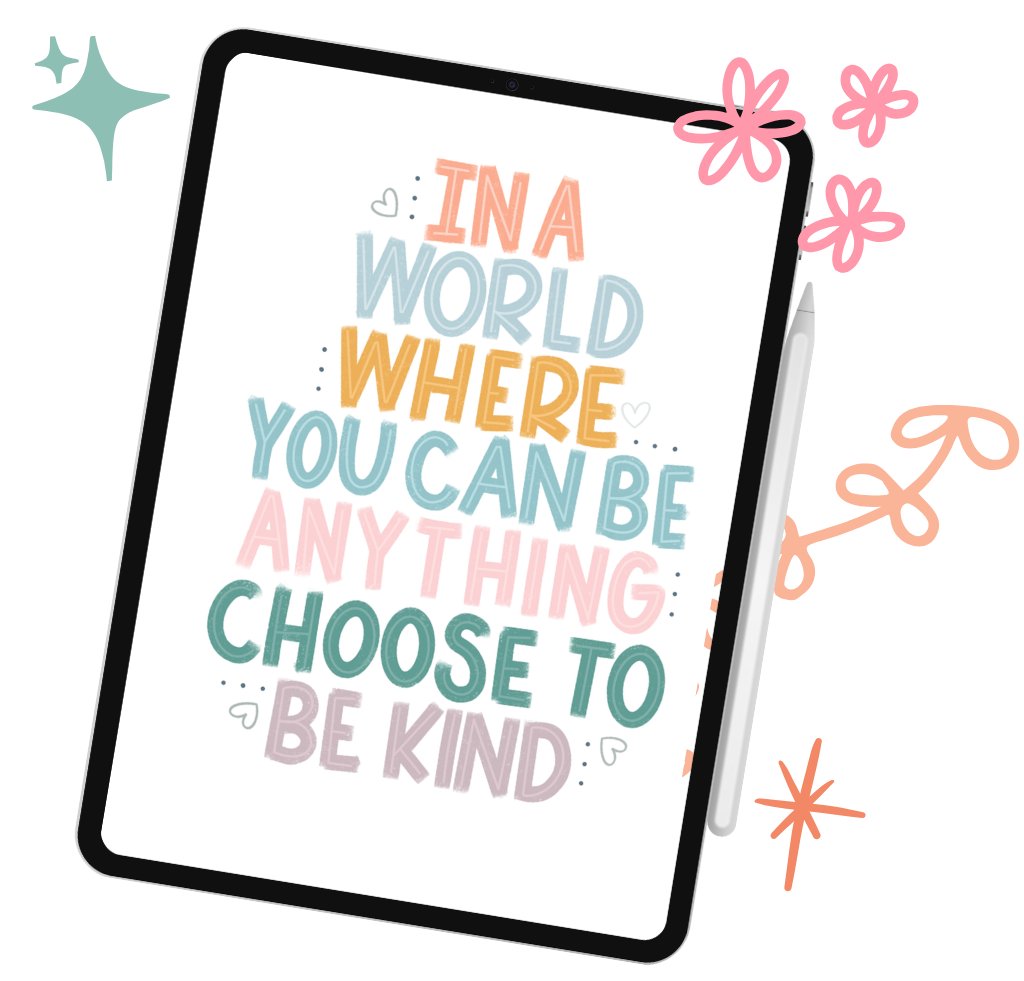
Have you ever looked at a colorful lettering illustration and thought, “How did you do that?” That is exactly what this course is designed to answer.
This is not a generic introduction to Procreate. I’ll guide you through the tools, brushes, shortcuts and creative effects I use in my own most-asked-about posts, while you build a complete colorful lettering illustration from a blank canvas to a finished, shareable piece.
Join the waiting list for my upcoming Procreate course and be the first to receive launch details, exclusive perks and special pricing.
Get early access when enrollment opens, before the course is announced to everyone else.
Receive special waiting-list pricing as a thank-you for joining early.
Get the Procreate Brush Starter Pack and Shortcut & Gesture Cheat Sheet included with the course.
Be the first to hear the official launch date, course details and everything included.
The exact tools, brushes and effects I use in my most-loved posts.
Build one full lettering illustration from a blank canvas to the final piece.
Clear, step-by-step lessons that meet you wherever you are in Procreate.
Brush pack + shortcut cheat sheet to keep the magic going.
Set up your canvas, master the basics and work faster with confidence.
Understand brushes, pressure, smudge, erase and shape building.
Explore palettes, blend modes, glow, texture and the effects that make your art pop.
Plan your layout, lettering, illustrations and bring your idea to life.
Add the final touches, export for any use and save a time-lapse of your process.
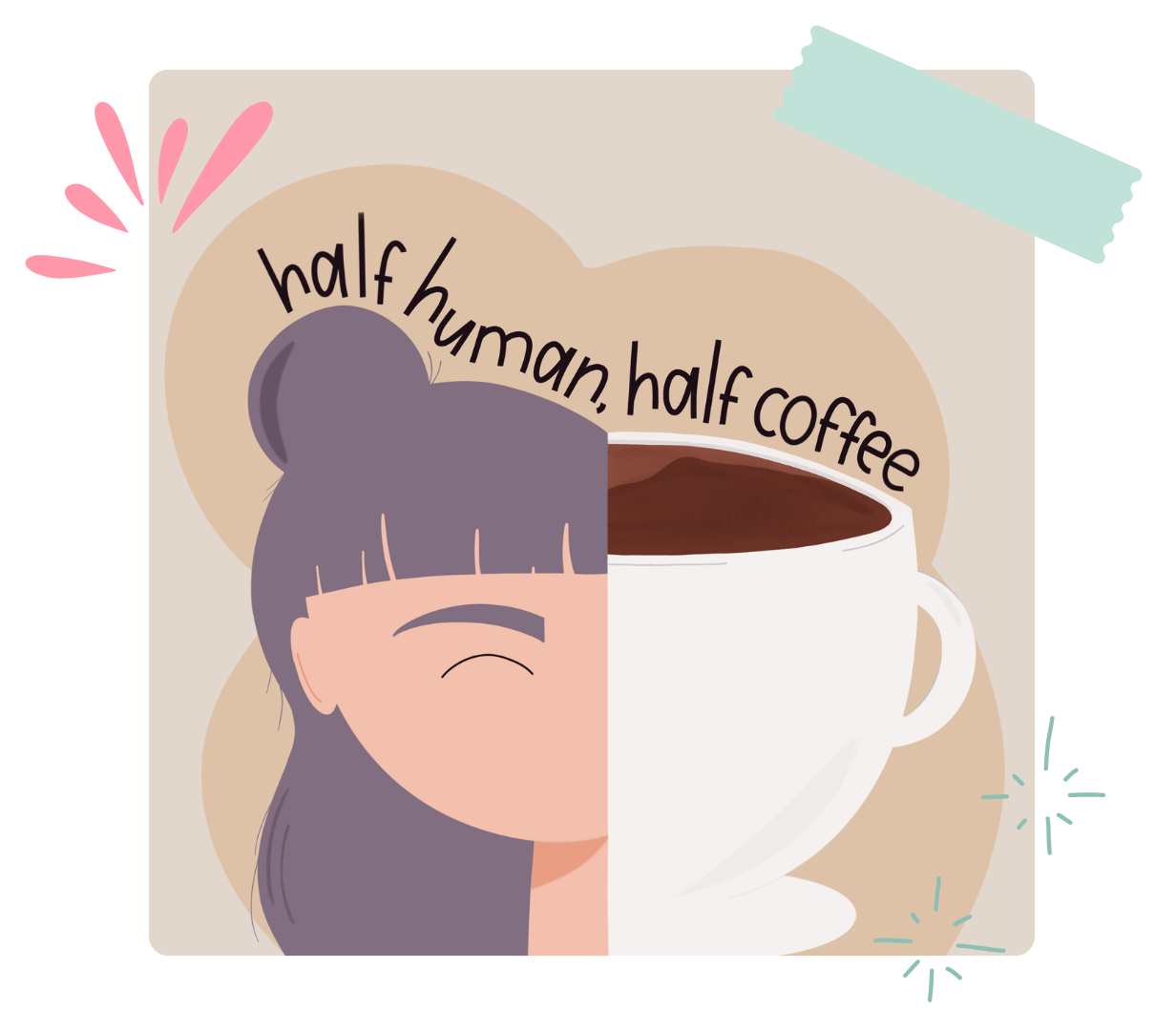
You will be the first to know when enrollment opens and receive your exclusive waiting list price discount!
I’m a lettering artist and illustrator who loves turning simple ideas into colorful, playful artwork in Procreate.
Over the years, I’ve explored different brushes, textures, lettering styles and creative effects to develop a process that feels fun, flexible and completely my own. My work often combines bold lettering with cheerful illustrations, soft textures and the small finishing details that make a piece feel extra special.
One question appears again and again whenever I share my artwork: “How did you do that?”
That question inspired this course. I created The “How Did You Do That?” Procreate Course to take you behind the scenes of my real creative process and show you the tools, shortcuts, brushes and effects I use in my most-asked-about posts.
Whether you are opening Procreate for the first time or already enjoy creating digitally, I’ll guide you step by step as you build a complete, colorful lettering illustration of your own.
I can’t wait to create with you!
Andrea
JOIN NOW!