REGISTRATIONS CLOSE SOON!
00
DAYS
00
HOURS
00
MINS
00
SECS
The “How Did You Do That” Procreate Course
my most-asked-about posts.
Learn my favorite Procreate tools, brushes and workflow while building a full colorful lettering illustration from start to finish.
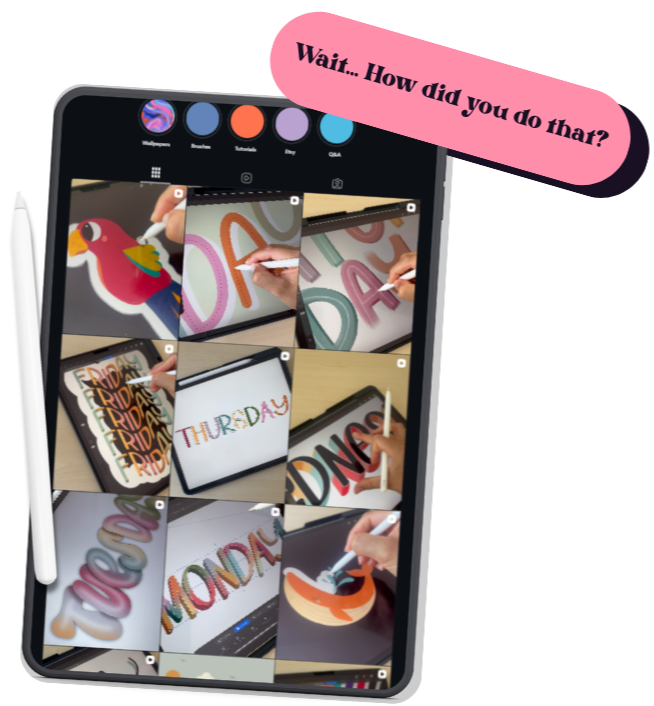
You’ve saved the Reel. Rewatched the process. Zoomed in. And still wondered… how?
This course is the answer to the question I get all the time: “How did you do that?”
"I know the tools… but my workflow is chaos."
Layers everywhere, too much tapping around, and no clear system for getting from idea to finished piece.
"My lettering feels flat."
You can make the letters, but you're not sure how to add color, texture, glow, shadows and details without overdoing it.
"I want to make my own work, not just follow tutorials."
You want a repeatable process that helps you build playful lettering and illustrations in your own way.
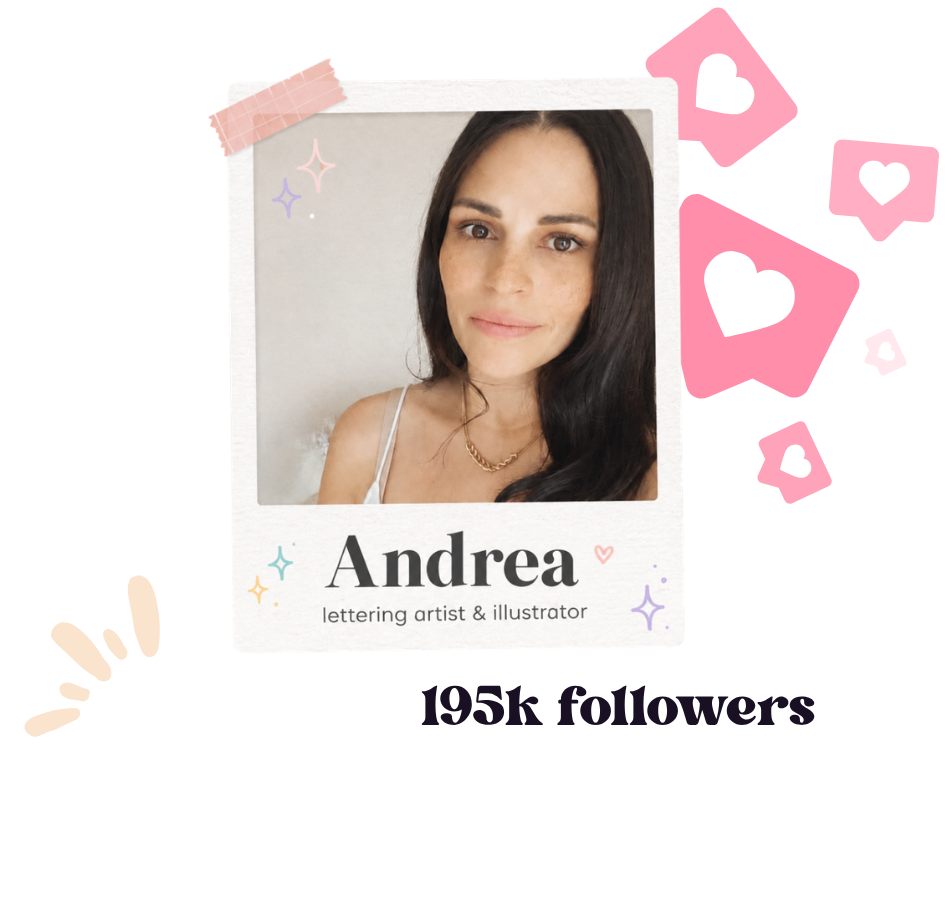
Hey, I’m Andrea.
I’m a digital artist known for my blocky, fun painting style that’s bold, colorful, and full of personality. Over the years, I’ve built a community of over 115,000 artists and fans across platforms who share my love for vibrant, stylized art.
Through my brush packs, tutorials, and creative challenges, I’ve helped thousands of artists improve their digital painting skills—whether they’re just starting out or looking to refine their style. My goal has always been to make digital art feel approachable, exciting, and full of possibilities.
I believe that everyone has the potential to create artwork that reflects their own voice, and I love showing people how to break down the process into simple, clear steps. That’s why I created this course: to give you the tools, techniques, and confidence to develop your own unique, colorful style and start painting with personality.
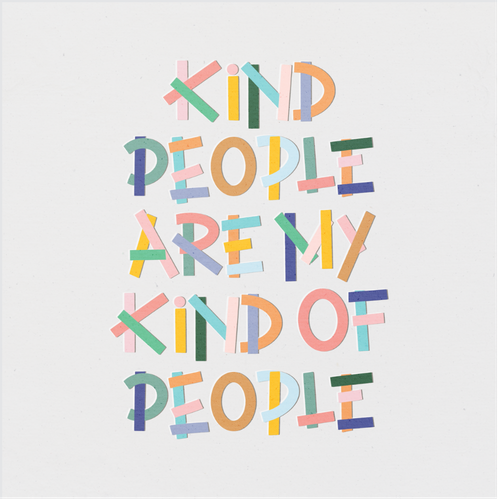
Colorful. Playful. Polished. Very “how did you do that?
Use a moving reel strip or 3–5 cropped process videos here in Kajabi. Keep hands, iPad and work-in-progress details visible — that’s already one of the strongest visual
signatures on Andrea’s feed.
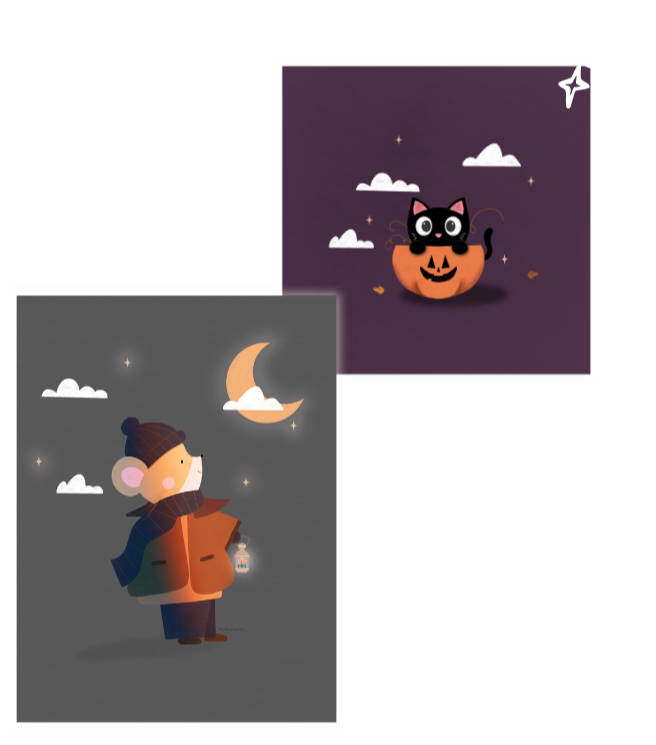
What You'll Unlock Through The Course
Work faster & cleaner
Use gestures, layers, guides, symmetry and shortcuts with more confidence, so your process feels organised instead of messy.
Make your artwork pop
Build color palettes, add shadows, glow, gradients and texture, and understand when effects help instead of overwhelm.
Finish a complete piece
Move from idea and rough layout to polished lettering, illustrations, final effects and export for social, print, stickers or digital use.
Course Content
I will show you how to use the available tools and templates to create beautiful and professional designs in an easy way.
But this course goes beyond just acquiring technical skills. I will also show you how to create visual and creative content that captures your audience's attention and effectively communicates the message you want to convey. You will learn to choose the right colors and fonts and position images effectively.
In addition, the course also includes practical activities and xx+ exercises to help you practice what you have learned and develop your skills gradually. I will also provide you with all the resources you need to support you on this journey from zero to becoming an expert!
From “where do I even start?” to a finished piece you’re excited to share.
Five core modules take you from foundations and brush control through color, effects, design and final export. The lessons stay bite-sized, practical and focused on making as you learn.
Procreate Foundations & My Workflow
- Welcome + what we’ll create
- Quick Win: your first mini lettering piece
- Tools, canvas & gallery
- Gestures, shortcuts & faster workflow
- Layers, groups & clean file organisation
- Drawing guides, symmetry & alignment
Brushes, Strokes & Digital Drawing Basics
- Sketching, inking, texture & stamp brushes
- Apple Pencil pressure, smoothing & control
- Smudge, erase & blend with intention
- Simple shapes for letters and illustrations
- Mini practice: create a small icon set
Color, Effects & Procreate Tricks
- Color palettes & harmony in Procreate
- Alpha Lock, clipping masks & selections
- Blend modes for shadows, light & texture
- Gradients, glow, shine & soft effects
- Texture without making it messy
- Makeover Challenge: transform a provided piece
Final Project: Design Phase
- Choose your word, phrase & creative direction
- Sketch a strong layout
- Create playful letter shapes
- Add illustrations around the lettering
- Build backgrounds, borders & decorative details
Final Project: Production & Export
- Clean lines, base colors & layer setup
- Effects, shadows, texture & final details
- Export for Instagram, print, stickers or digital use
- Bonus mini: save your time-lapse or simple animation
Everything You Need to go From Curious Procreate User
to Confident Creator.

Video lessons
Follow over 30 easy-to-digest lessons that walk you through my complete Procreate lettering workflow—from setting up your canvas and mastering brushes to adding color, effects, texture, and exporting polished artwork.

Mini practices
Build confidence with hands-on exercises designed to reinforce every stage of the process, including a Quick Win lettering piece, a custom icon set, a lettering makeover challenge, sketch reveal, and other creative milestones that keep you progressing.

Final project
Bring everything together by designing, illustrating, refining, and exporting a vibrant lettering composition from scratch, using the same techniques, effects, and workflow I use for my own artwork.

Community
Share your progress, creative challenges, and finished projects with fellow students while receiving guidance and encouragement throughout your learning journey.

Access Duration
Revisit every lesson, project, and resource whenever you need a refresher, so you can continue improving your Procreate lettering skills at your own pace.

Certificate
Receive a certificate of completion to celebrate your progress and showcase that you've successfully completed the full Procreate lettering course.
...and much more!!
FIND OUT MOREA couple of Andrea- Approved Shortcuts for
Your Creative Toolkit.
Bonus 01
My Procreate Brush Starter Pack
A small set of Andrea’s brushes for sketching, lettering, texture and shadow, so you can start experimenting with the same kinds of tools used throughout the course.
Bonus 02
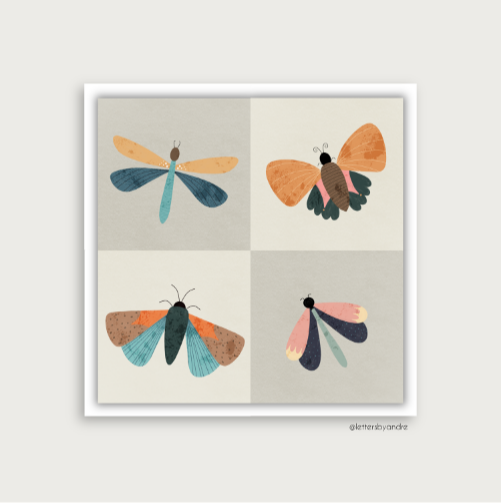
Procreate Shortcut & gesture Cheat Sheet
A small set of Andrea’s brushes for sketching, lettering, texture and shadow, so you can start experimenting with the same kinds of tools used throughout the course.
Registrations Are Closing Soon!
MAKE YOUR CREATIVITY BLOSSOM!
00
DAYS
00
HOURS
00
MINS
00
SECS
Stop wondering how the effect was made. Make it yourself.
Two options to choose from
Choose the most convenient option for you! You can pay for the course in a one-time payment, or choose a monthly plan with three payments to split the cost. Either way, you will get access to the course right away.
Start learning NOW!
My guarantee to every student
If you are not satisfied with the course for any reason, you have the right to a full refund within the first 14 days. This is my guarantee to you; I want all my students to be satisfied. Also, this means there is no risk at all!
Try the course yourself to find out if it is right for you!